Alert
A static inline callout with a status glyph, title, description, and optional actions.
An alert is a bordered callout that draws attention to a message without
interrupting the page. Pick a status with variant and the border, fill, and
leading glyph follow from the theme. The whole surface announces itself as a live
region, so assistive technology reads it when it appears.
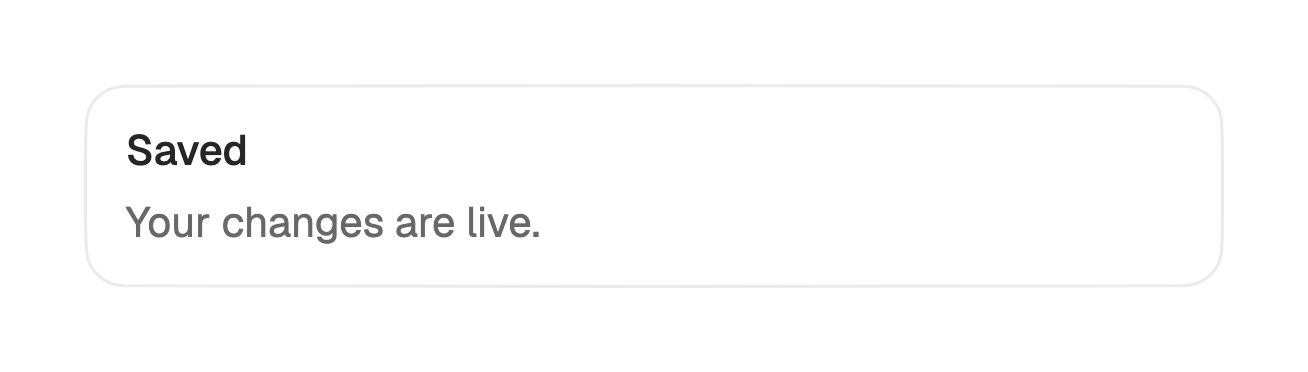
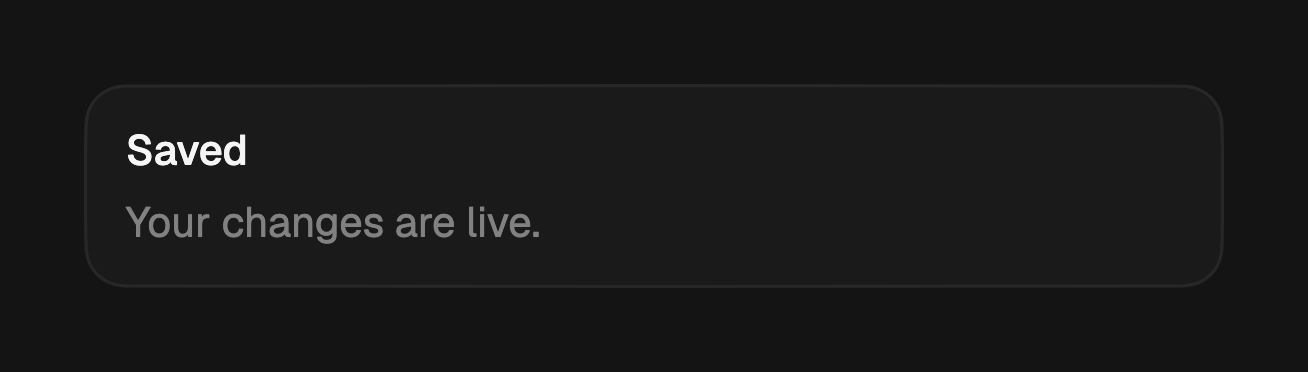
import 'package:fossui/fossui.dart';

FossAlert(
  title: const Text('Saved'),
  description: const Text('Your changes are live.'),
);
Variants
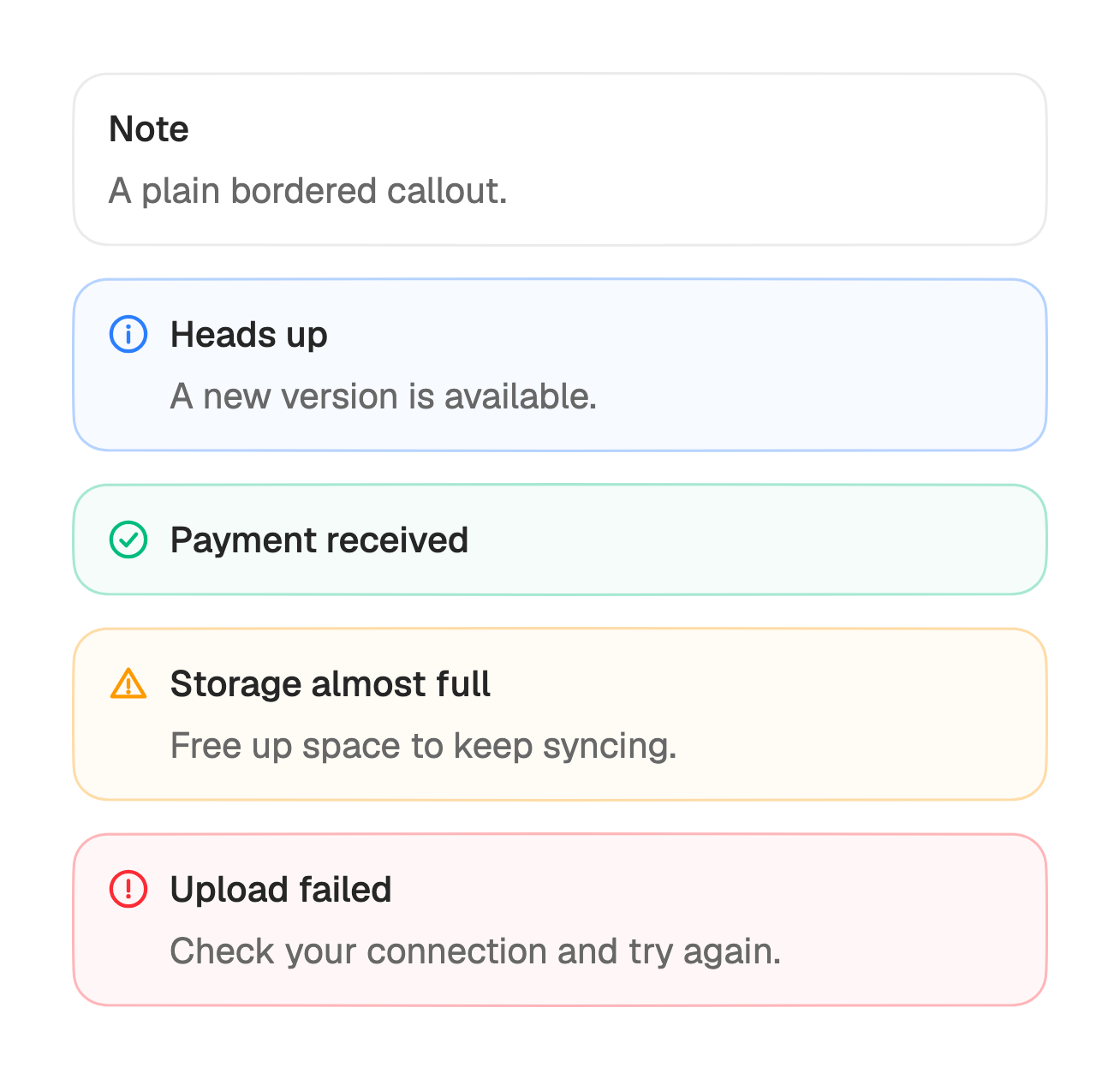
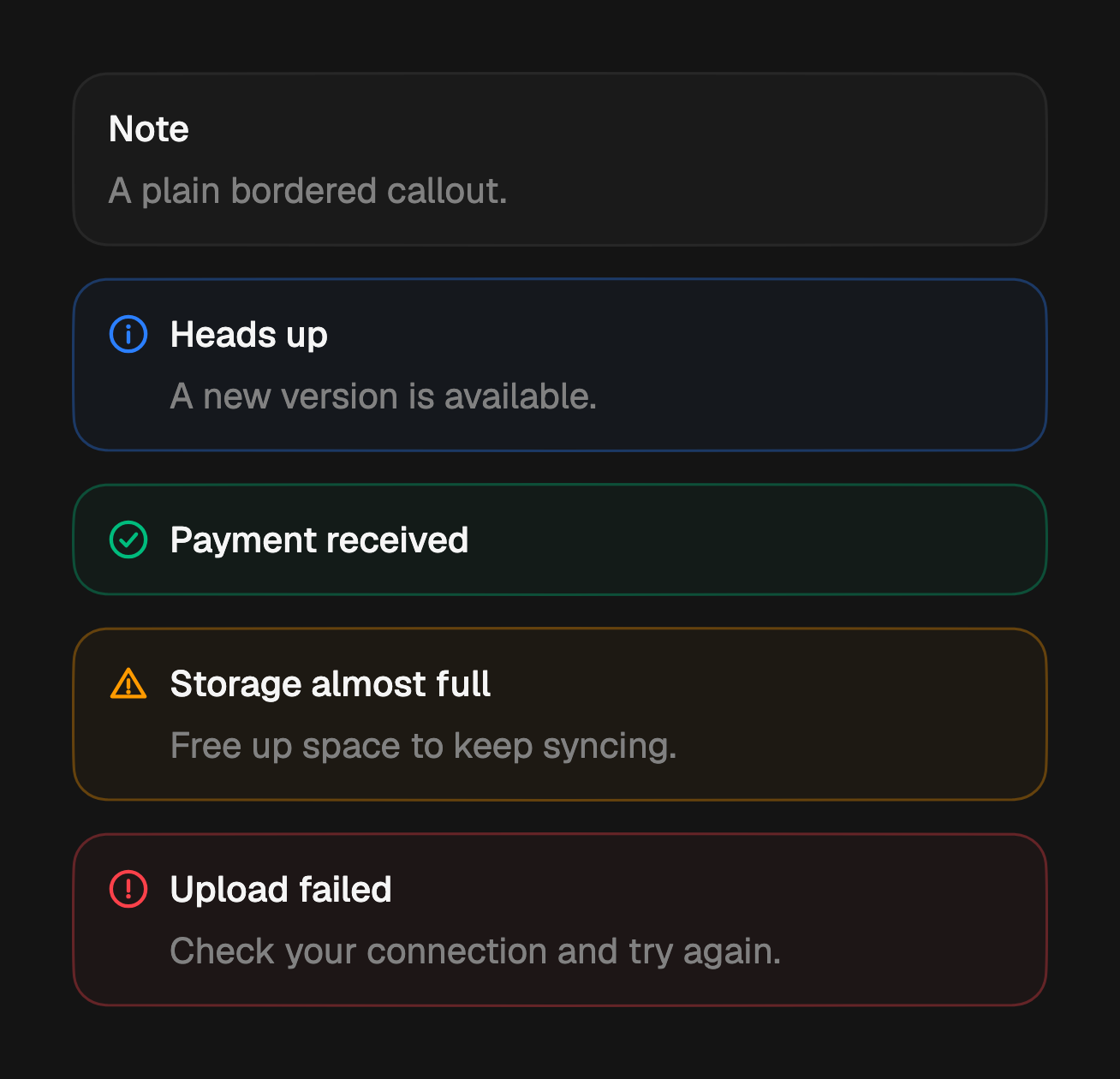
Five statuses. The default is neutral, a plain bordered callout with no glyph.
The other four tint the border and fill and paint a matching status glyph in the
leading slot.
FossAlert(
  variant: FossAlertVariant.info,
  title: const Text('Heads up'),
  description: const Text('A new version is available.'),
);

FossAlert(
  variant: FossAlertVariant.success,
  title: const Text('Payment received'),
);

FossAlert(
  variant: FossAlertVariant.warning,
  title: const Text('Storage almost full'),
  description: const Text('Free up space to keep syncing.'),
);

FossAlert(
  variant: FossAlertVariant.error,
  title: const Text('Upload failed'),
  description: const Text('Check your connection and try again.'),
);
Description
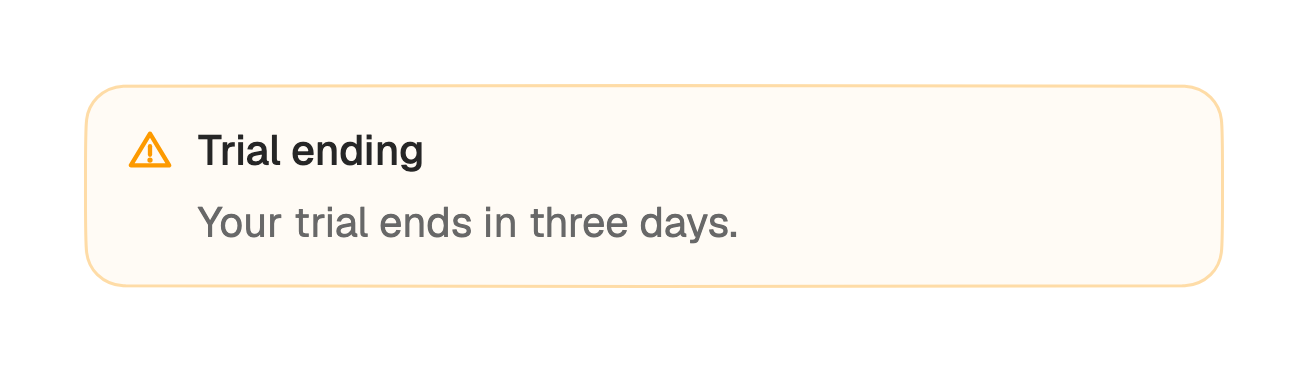
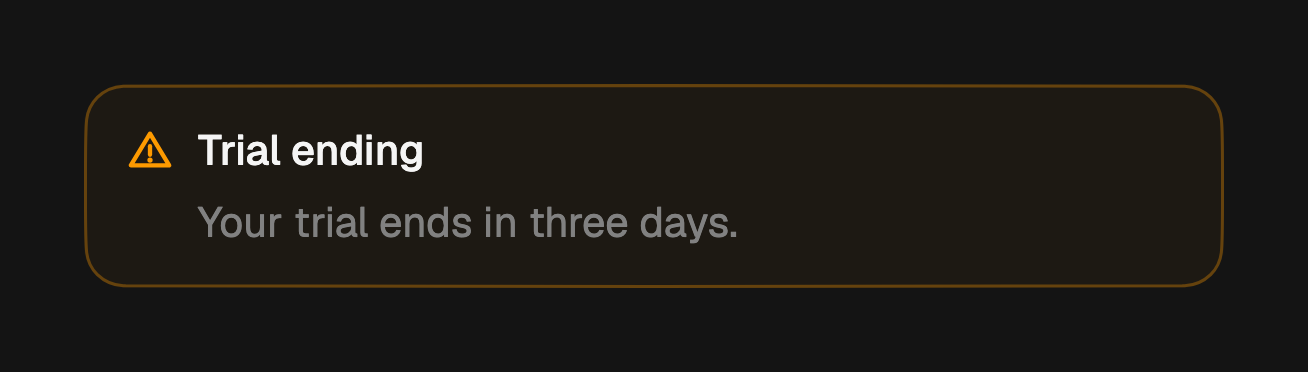
The title carries the message; add a description for a second line of detail
below it. Both take any widget, so a bare Text inherits the alert's type and
color.
FossAlert(
  variant: FossAlertVariant.warning,
  title: const Text('Trial ending'),
  description: const Text('Your trial ends in three days.'),
);
Custom icon
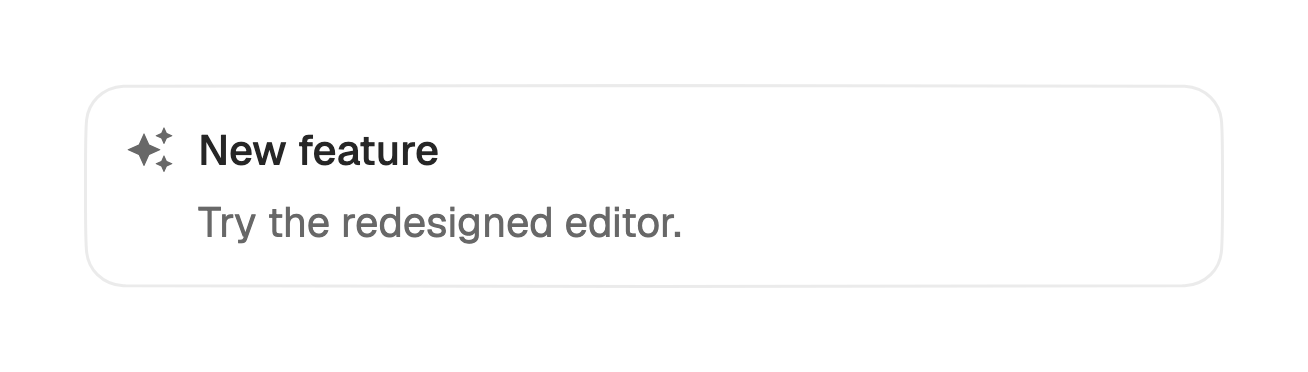
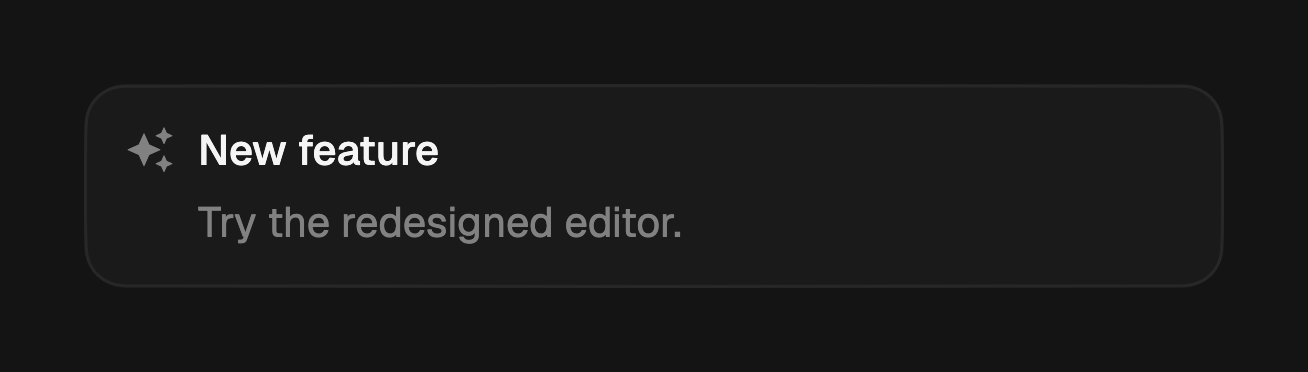
Each status paints its own leading glyph. Pass icon to override it, or to add a
glyph to the neutral variant, which has none by default.
FossAlert(
  icon: const Icon(LucideIcons.sparkles),
  title: const Text('New feature'),
  description: const Text('Try the redesigned editor.'),
);
Actions
Pass actions to render buttons below the text. The list is empty by default, so
the slot stays hidden until you add something.
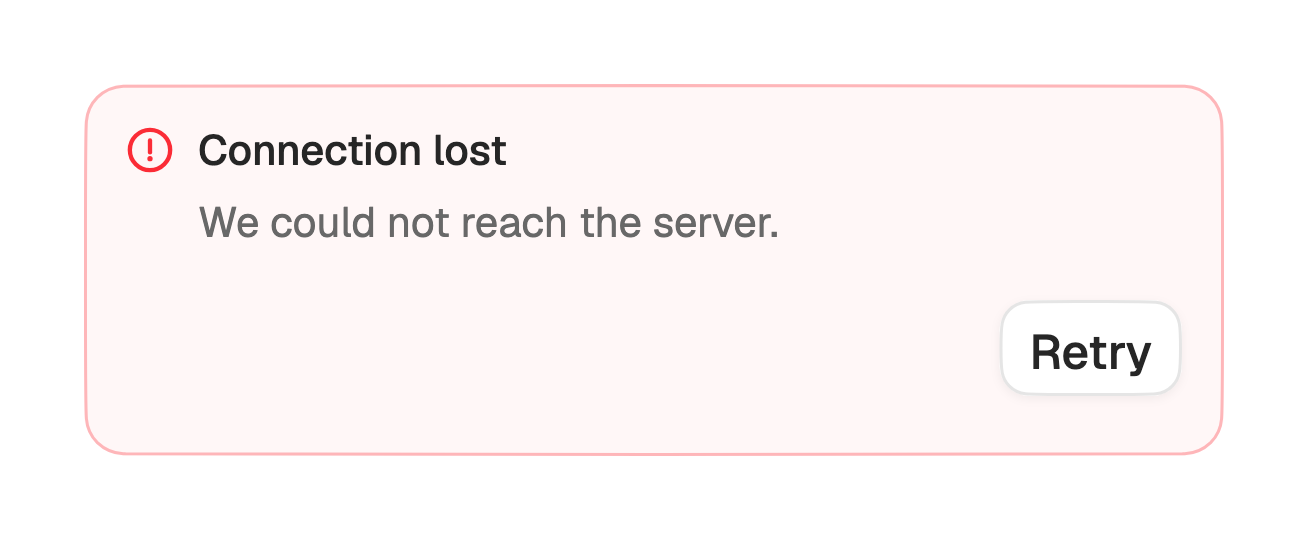
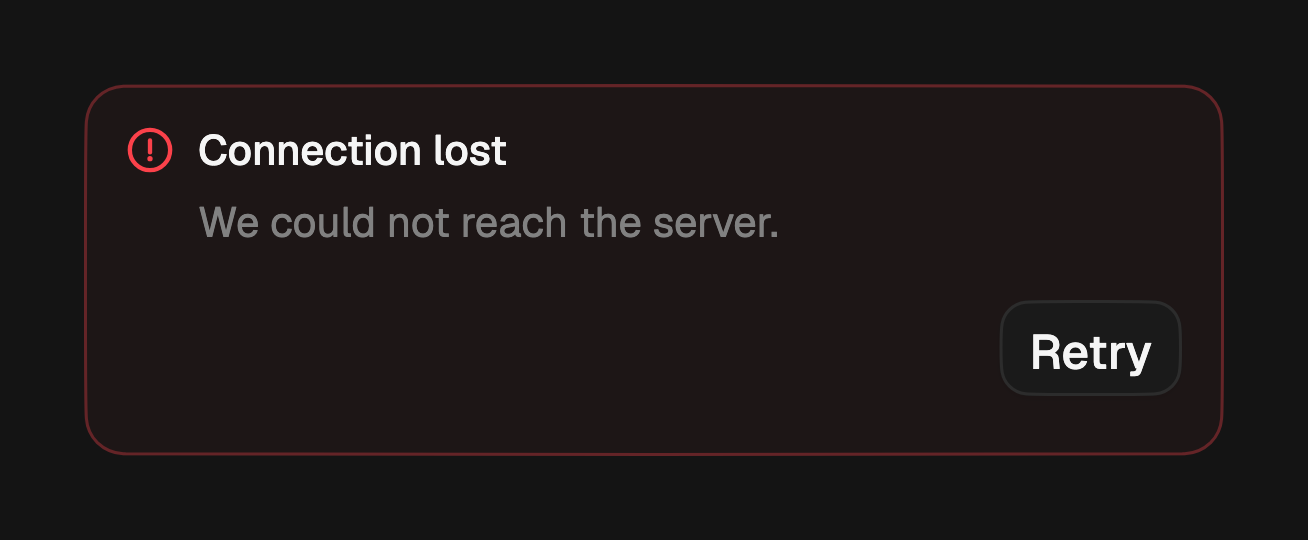
FossAlert(
  variant: FossAlertVariant.error,
  title: const Text('Connection lost'),
  description: const Text('We could not reach the server.'),
  actions: [
    FossButton(
      variant: FossButtonVariant.outline,
      size: FossButtonSize.sm,
      onPressed: retry,
      child: const Text('Retry'),
    ),
  ],
);
API
FossAlert
| Prop | Type | Default | Description |
|---|---|---|---|
title | Widget? | null | The title line. Effectively required. |
description | Widget? | null | Detail line below the title. |
icon | Widget? | null | Overrides the leading glyph. Null uses the status glyph, or hides the slot for neutral. |
actions | List<Widget> | const [] | Widgets rendered below the text. Empty hides them. |
variant | FossAlertVariant | neutral | The status treatment. |
style | FossAlertStyle? | null | Per-instance overrides on the theme. |
FossAlertVariant
neutral, info, success, warning, error.
Live demo
Open the interactive gallery to try variants, description, and custom icon with live knobs.