Radio
A single-choice group of radio options with labels, descriptions, a card layout, and an error state.
A radio group lets a user pick one option from a set. FossRadioGroup holds the
selected groupValue and the onChanged callback; each FossRadio child reads
its own checked state from the group and reports taps back. The group and its
options share a value type, so selection stays type-safe.


import 'package:fossui/fossui.dart';

FossRadioGroup<String>(
  label: 'Billing plan',
  groupValue: plan,
  onChanged: (value) => setState(() => plan = value),
  children: const [
    FossRadio(value: 'monthly', label: 'Monthly'),
    FossRadio(value: 'yearly', label: 'Yearly'),
  ],
);
Labels and descriptions
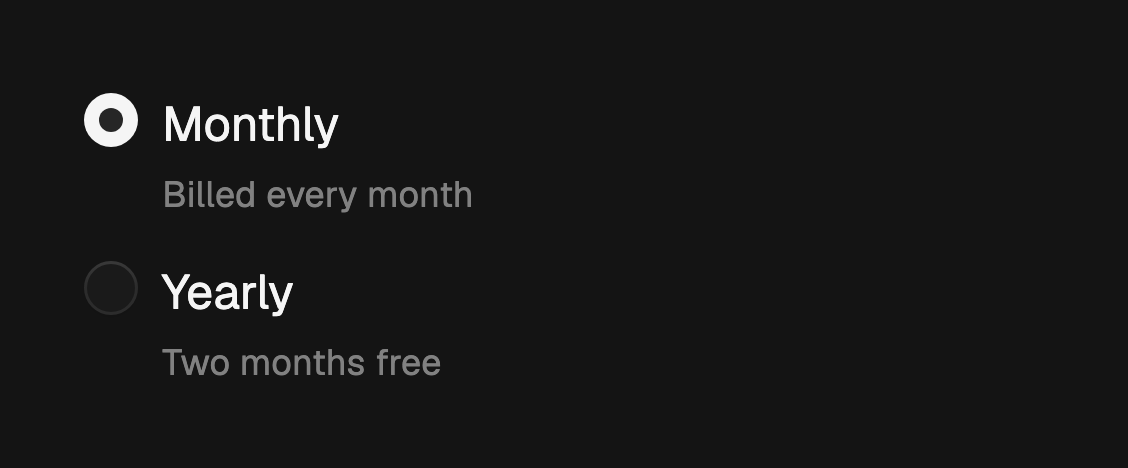
Each option takes an optional label and a description line below it. A bare
FossRadio with no text renders just the circle.

FossRadioGroup<String>(
  groupValue: plan,
  onChanged: (value) => setState(() => plan = value),
  children: const [
    FossRadio(
      value: 'monthly',
      label: 'Monthly',
      description: 'Billed every month',
    ),
    FossRadio(
      value: 'yearly',
      label: 'Yearly',
      description: 'Two months free',
    ),
  ],
);
Card variant
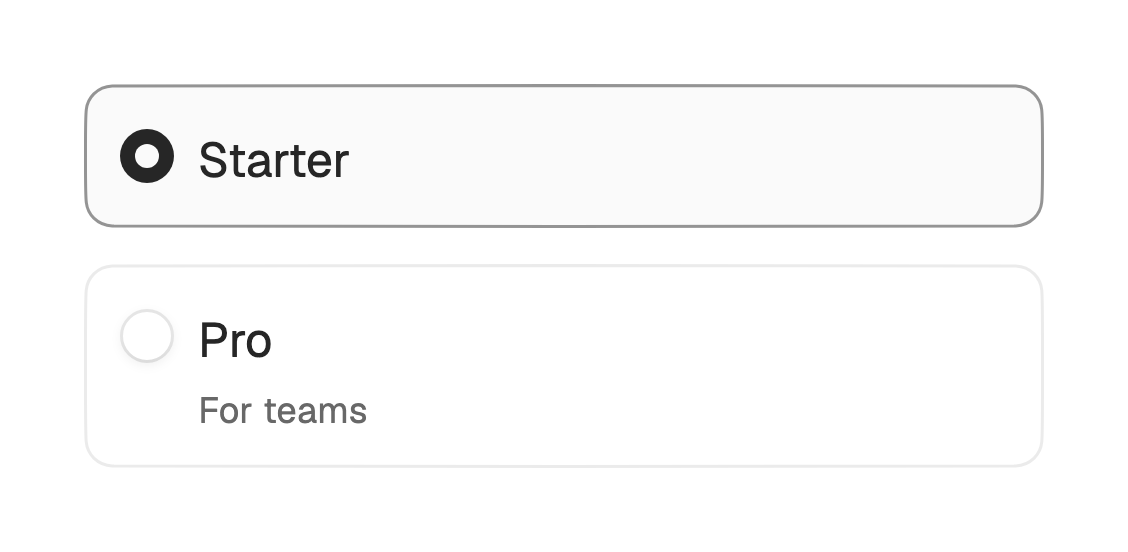
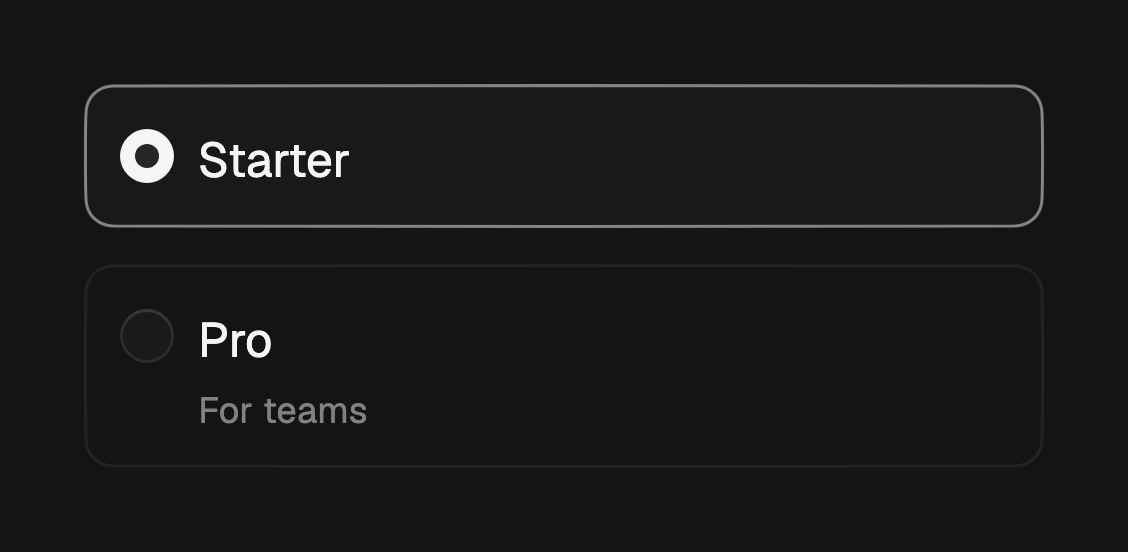
Set variant to card to wrap each option in a full-width bordered card that
lifts its border and tints its fill when checked.
FossRadioGroup<String>(
  variant: FossRadioGroupVariant.card,
  groupValue: plan,
  onChanged: (value) => setState(() => plan = value),
  children: const [
    FossRadio(value: 'starter', label: 'Starter'),
    FossRadio(value: 'pro', label: 'Pro', description: 'For teams'),
  ],
);
Error state
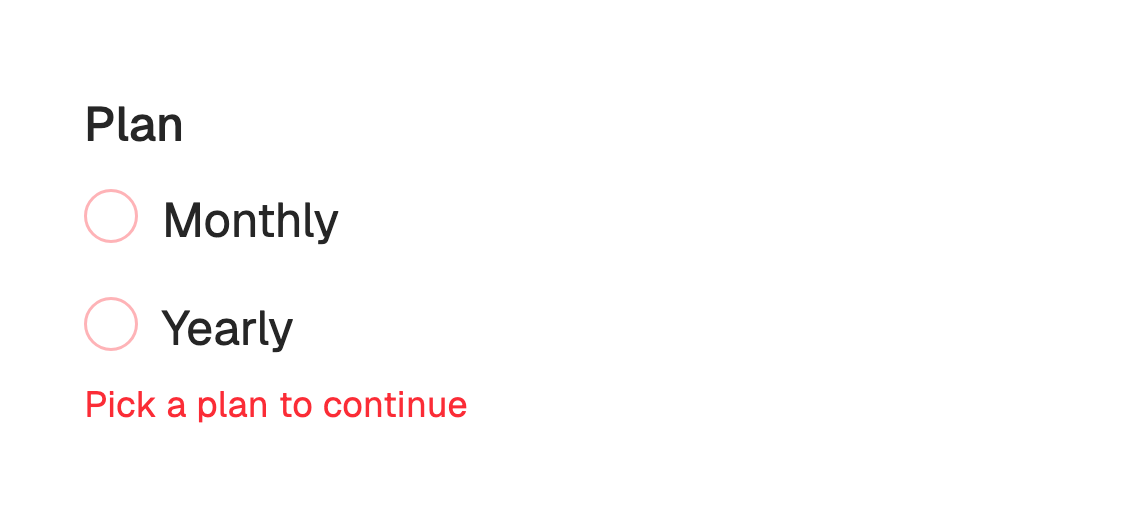
Pass errorText to mark every option invalid and show a caption below the
group. The circles switch their border and focus ring to the error color.
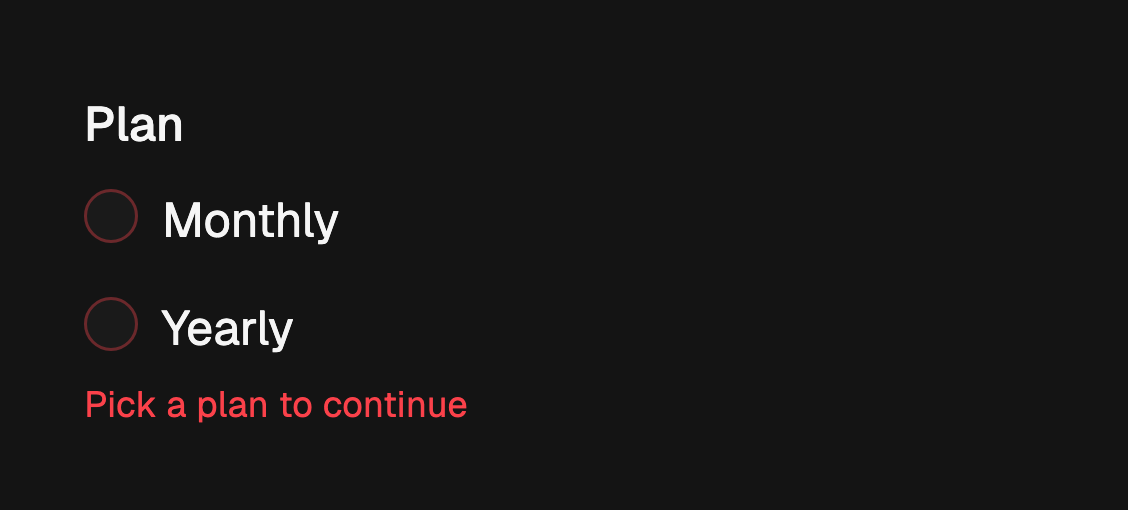
FossRadioGroup<String>(
  label: 'Plan',
  errorText: 'Pick a plan to continue',
  groupValue: plan,
  onChanged: (value) => setState(() => plan = value),
  children: const [
    FossRadio(value: 'monthly', label: 'Monthly'),
    FossRadio(value: 'yearly', label: 'Yearly'),
  ],
);
Disabled
enabled: false on the group disables every option and dims it. Set enabled: false on a single FossRadio to disable just that option. A null onChanged
also disables the group.
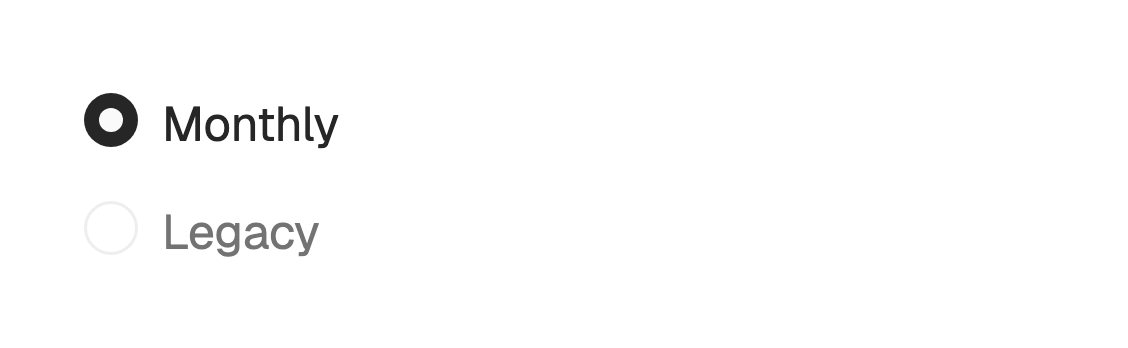

FossRadioGroup<String>(
  groupValue: plan,
  onChanged: (value) => setState(() => plan = value),
  children: const [
    FossRadio(value: 'monthly', label: 'Monthly'),
    FossRadio(value: 'legacy', label: 'Legacy', enabled: false),
  ],
);
One-off styling
A single option can override its resolved look with a FossRadioStyle. Every
field is optional and falls back to the theme.
FossRadio<String>(
  value: 'pro',
  label: 'Pro',
  style: const FossRadioStyle(
    circleSize: 22,
    dotSize: 10,
    checkedColor: Color(0xFF8A38F5),
  ),
);
API
FossRadioGroup
| Prop | Type | Default | Description |
|---|---|---|---|
children | List<Widget> | required | The FossRadio options, each of type T. |
groupValue | T? | null | The selected value, or null when none is picked. |
onChanged | ValueChanged<T>? | null | Called with the tapped option's value. Null disables the group. |
label | String? | null | Label rendered above the options. |
errorText | String? | null | Error caption below the options; non-null marks the group invalid. |
variant | FossRadioGroupVariant | plain | The visual treatment. |
enabled | bool | true | Whether the group accepts input. |
FossRadio
| Prop | Type | Default | Description |
|---|---|---|---|
value | T | required | The value this option contributes to the group. |
label | String? | null | Title beside the circle. |
description | String? | null | Secondary line below the label. |
enabled | bool | true | Whether this option accepts input. |
style | FossRadioStyle? | null | Per-instance overrides on the theme. |
Each FossRadio must sit inside a FossRadioGroup of the same value type T.
FossRadioGroupVariant
plain, card.
Live demo
Open the interactive gallery to try labels and descriptions, card variant, and error state with live knobs.