Select
A pick-from-list control with a themed trigger, anchored popup, single and multiple selection, sizes, and an error state.
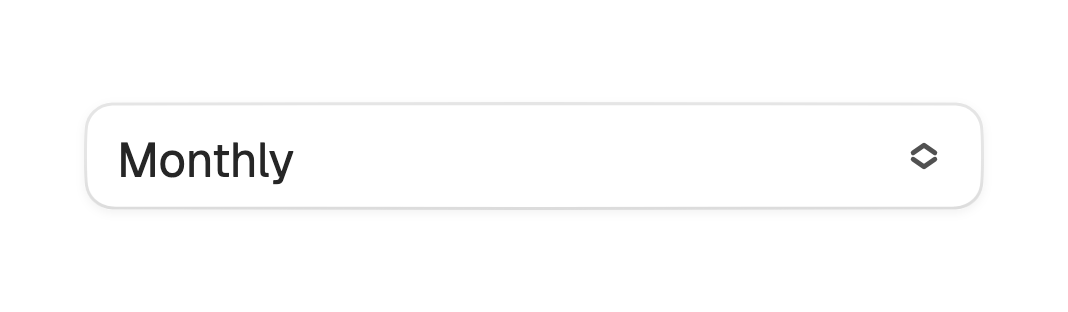
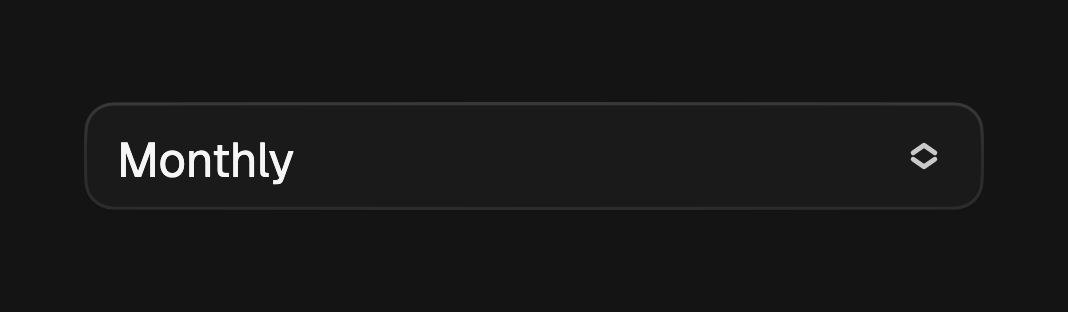
A select lets a user pick from a list without typing. The trigger shows the
current value or a placeholder; tapping it opens an anchored popup of items,
and picking a row reports its value through onChanged. Selection is
controlled, so pass value and rebuild on change.
import 'package:fossui/fossui.dart';

FossSelect<String>(
  value: plan,
  placeholder: 'Choose a plan',
  onChanged: (v) => setState(() => plan = v),
  items: const [
    FossSelectItem(value: 'monthly', label: 'Monthly'),
    FossSelectItem(value: 'yearly', label: 'Yearly'),
  ],
);
Items
Each FossSelectItem carries a value, a label, an optional leading icon,
and whether it is enabled. A disabled item is dimmed and cannot be picked, but
stays visible to assistive technology.
FossSelect<String>(
  value: repo,
  onChanged: (v) => setState(() => repo = v),
  items: [
    const FossSelectItem(
      value: 'app',
      label: 'App',
      icon: Icon(LucideIcons.box),
    ),
    const FossSelectItem(value: 'docs', label: 'Docs', enabled: false),
  ],
);
Label and error
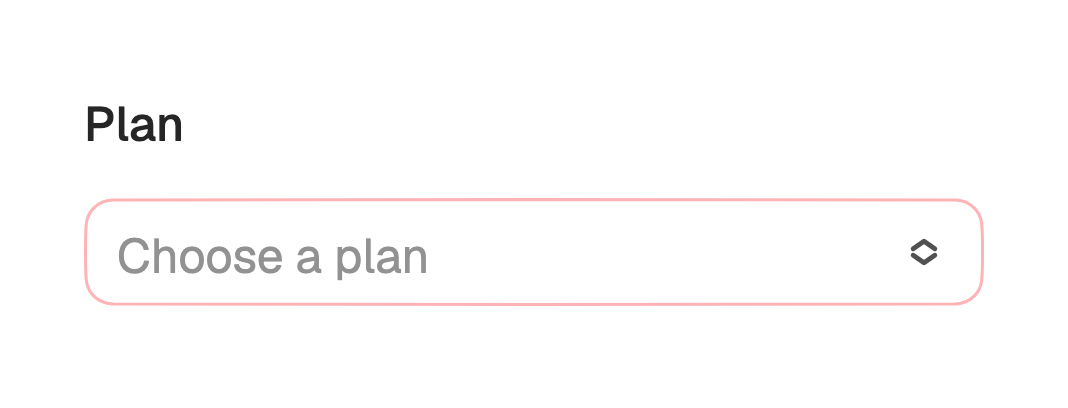
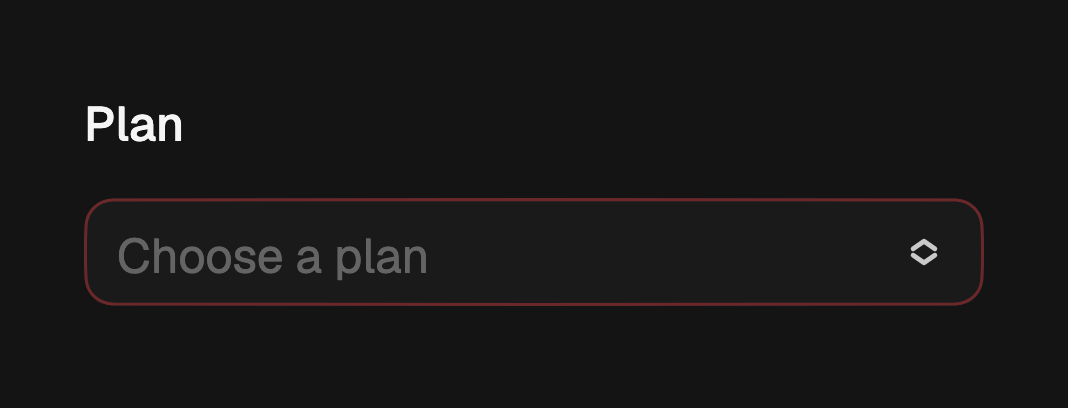
label renders above the trigger. Pass errorText to mark the field invalid
and recolor the trigger border.
FossSelect<String>(
  label: 'Plan',
  errorText: 'Pick a plan to continue',
  value: plan,
  onChanged: (v) => setState(() => plan = v),
  items: const [
    FossSelectItem(value: 'monthly', label: 'Monthly'),
    FossSelectItem(value: 'yearly', label: 'Yearly'),
  ],
);
Sizes
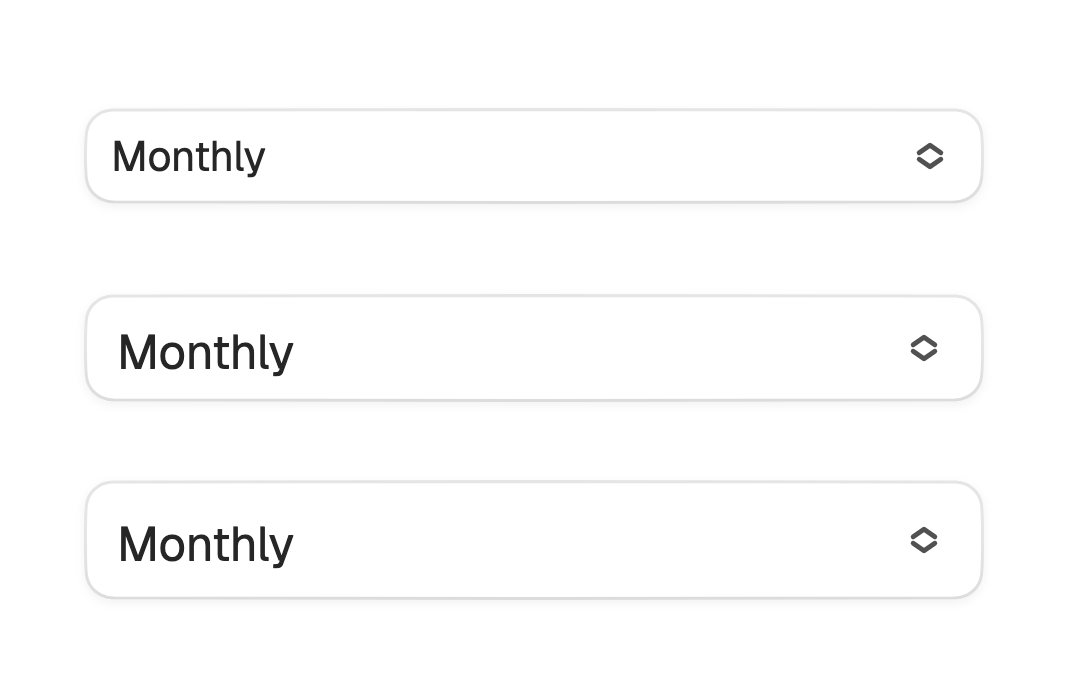
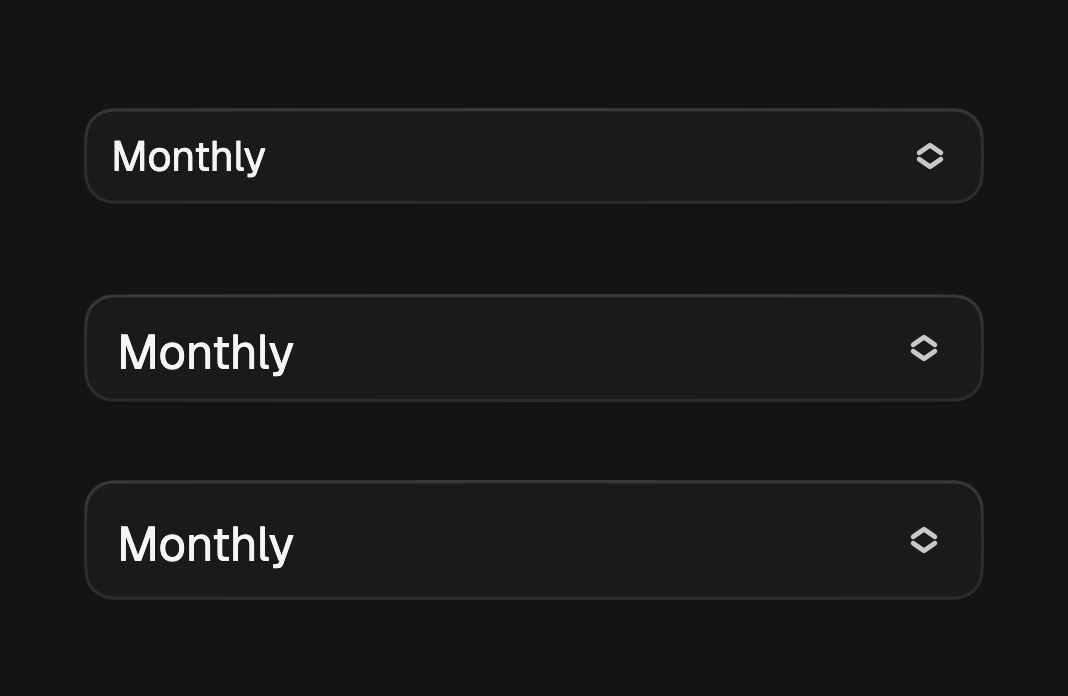
size sets the trigger height and type scale: sm (32), md (36, the
default), and lg (40).
FossSelect<String>(
  size: FossSelectSize.lg,
  value: plan,
  onChanged: (v) => setState(() => plan = v),
  items: items,
);
Multiple selection
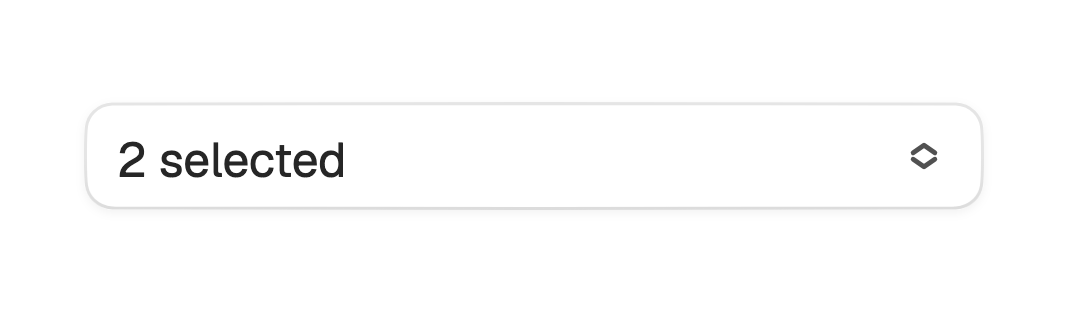
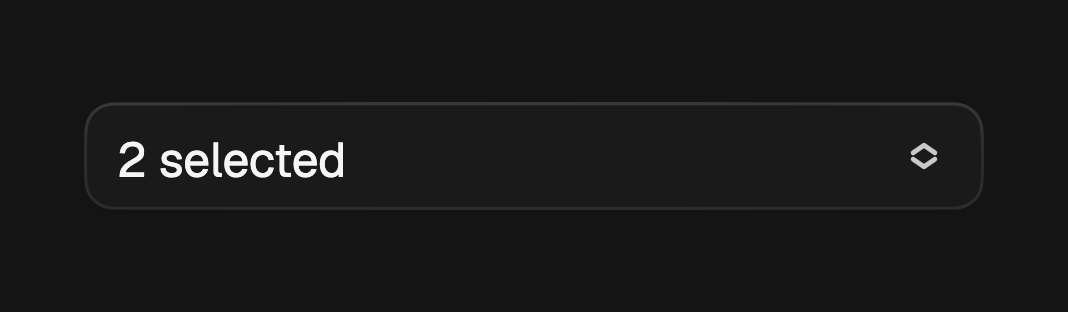
FossMultiSelect picks several values at once. Each row carries a checkbox, a
pick toggles the value in values and keeps the popup open, and the trigger
shows a count. The value is a Set<T>.
FossMultiSelect<String>(
  values: tags,
  placeholder: 'Choose tags',
  onChanged: (next) => setState(() => tags = next),
  items: const [
    FossSelectItem(value: 'design', label: 'Design'),
    FossSelectItem(value: 'eng', label: 'Engineering'),
  ],
);
Disabled
A null onChanged or enabled: false disables the field.
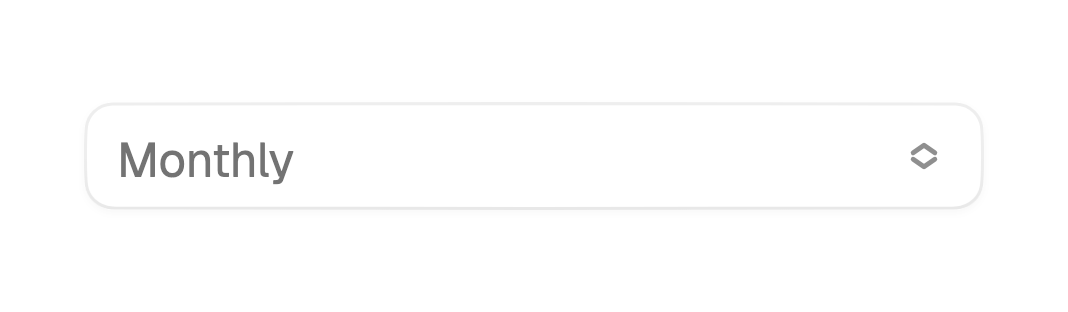
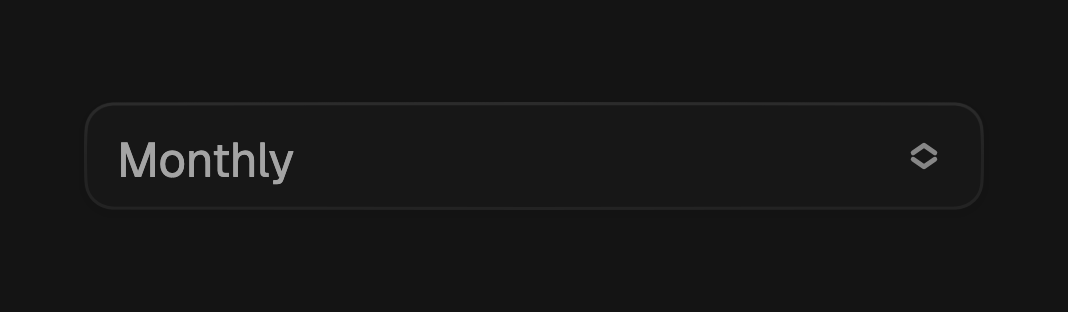
const FossSelect<String>(
  enabled: false,
  value: 'monthly',
  items: [FossSelectItem(value: 'monthly', label: 'Monthly')],
);
One-off styling
A single select can override its resolved trigger look with a FossSelectStyle.
Every field is optional and falls back to the theme. State-derived colors, the
popup surface, and the row highlight stay token-driven.
FossSelect<String>(
  value: plan,
  items: items,
  style: const FossSelectStyle(
    minHeight: 44,
    backgroundColor: Color(0xFFF7F7F7),
  ),
);
API
FossSelect
| Prop | Type | Default | Description |
|---|---|---|---|
items | List<FossSelectItem<T>> | required | The options to choose from. |
value | T? | null | The picked value, or null when nothing is selected. |
onChanged | ValueChanged<T>? | null | Called with the picked value. Null disables the field. |
placeholder | String? | null | Trigger text when value is null. |
label | String? | null | Label rendered above the trigger. |
errorText | String? | null | Non-null marks the field invalid and recolors the border. |
size | FossSelectSize | md | The trigger height and type scale. |
enabled | bool | true | Whether the field accepts input. |
style | FossSelectStyle? | null | Per-instance overrides on the theme. |
FossMultiSelect
| Prop | Type | Default | Description |
|---|---|---|---|
items | List<FossSelectItem<T>> | required | The options to choose from. |
values | Set<T> | const {} | The current set of picked values. |
onChanged | ValueChanged<Set<T>>? | null | Called with the next set when a row is toggled. Null disables the field. |
placeholder | String? | null | Trigger text when values is empty. |
label | String? | null | Label rendered above the trigger. |
errorText | String? | null | Non-null marks the field invalid and recolors the border. |
size | FossSelectSize | md | The trigger height and type scale. |
enabled | bool | true | Whether the field accepts input. |
style | FossSelectStyle? | null | Per-instance overrides on the theme. |
FossSelectItem
| Prop | Type | Default | Description |
|---|---|---|---|
value | T | required | The value this option contributes to the selection. |
label | String | required | Text on the row and, for a single pick, in the trigger. |
icon | Widget? | null | Optional leading glyph. |
enabled | bool | true | Whether this option accepts a pick. |
FossSelectSize
sm (32), md (36), lg (40).
Live demo
Open the interactive gallery to try items, label and error, and sizes with live knobs.