Tabs
A row or column of tabs that switch between panels, with an indicator that slides to the active tab.
Tabs let one region show several panels, one at a time. Give each FossTab a
value, a label, and optionally an icon and a content panel; the active tab's
panel is the only one that renders. Pick a look with variant and an axis with
orientation. Colors, type, and the indicator slide come from the theme.


import 'package:fossui/fossui.dart';

FossTabs<String>(
  initialValue: 'overview',
  tabs: const [
    FossTab(value: 'overview', label: 'Overview', content: OverviewBody()),
    FossTab(value: 'activity', label: 'Activity', content: ActivityBody()),
  ],
);
Controlled and uncontrolled
Pass value with onChanged to hold the selection yourself, or leave value
null and seed initialValue to let the widget track its own. When uncontrolled
and no initialValue is set, the first enabled tab wins.
FossTabs<String>(
  value: selected,
  onChanged: (v) => setState(() => selected = v),
  tabs: const [
    FossTab(value: 'account', label: 'Account'),
    FossTab(value: 'billing', label: 'Billing'),
  ],
);
Variants
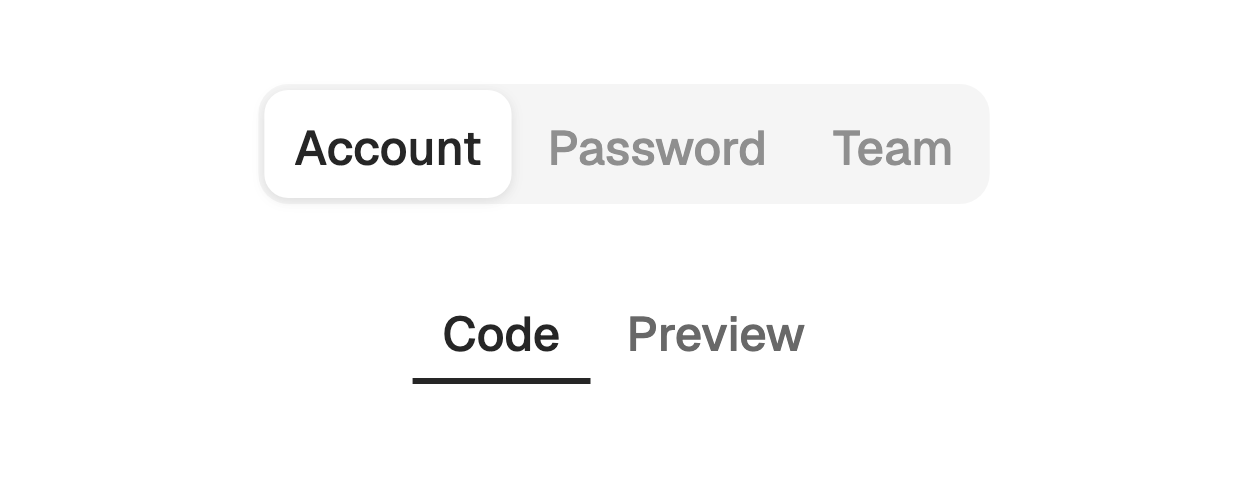
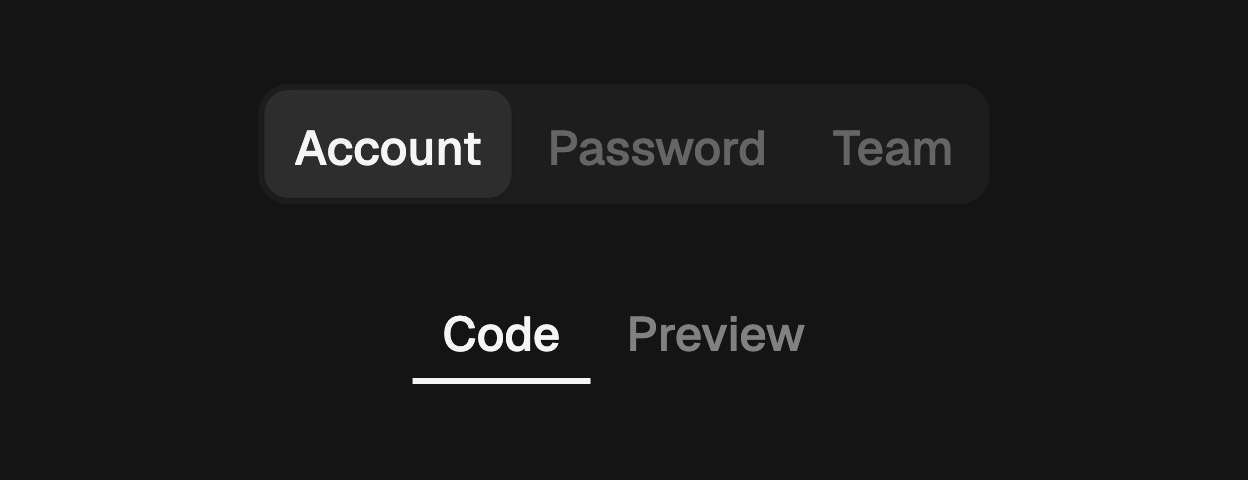
Two looks. segmented (the default) is a filled bar with a pill sliding behind
the active tab. underline is a bare strip with a colored bar riding the active
tab's edge.
FossTabs<String>(
  variant: FossTabsVariant.underline,
  tabs: const [
    FossTab(value: 'code', label: 'Code'),
    FossTab(value: 'preview', label: 'Preview'),
  ],
);
Orientation
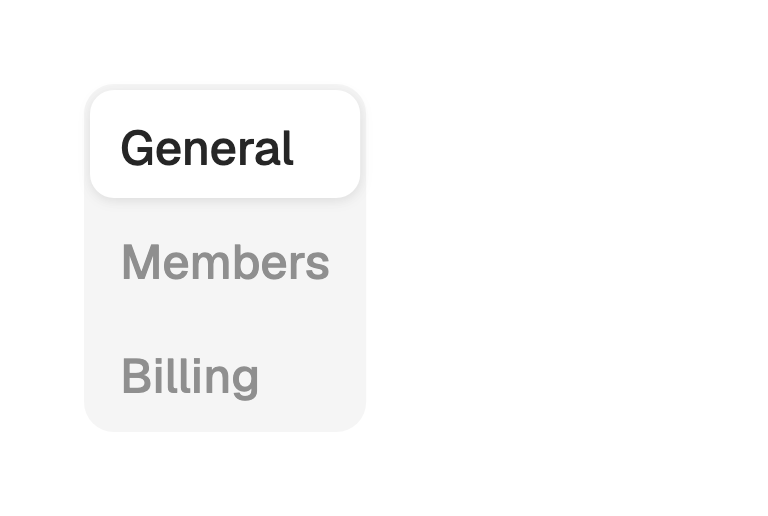
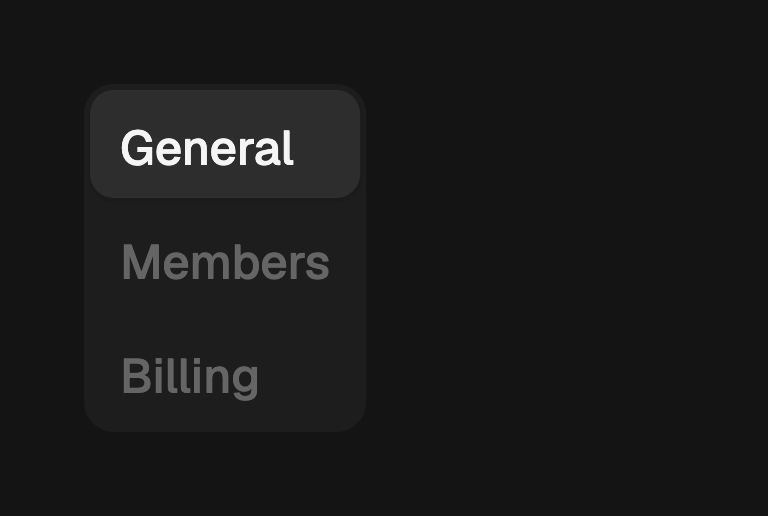
horizontal (the default) lays tabs in a row with the panel below. vertical
stacks them in a column with the panel beside.
FossTabs<String>(
  orientation: FossTabsOrientation.vertical,
  tabs: const [
    FossTab(value: 'general', label: 'General', content: GeneralBody()),
    FossTab(value: 'members', label: 'Members', content: MembersBody()),
  ],
);
Icons
Each tab takes an optional icon, any widget, sized and tinted to match its
label.
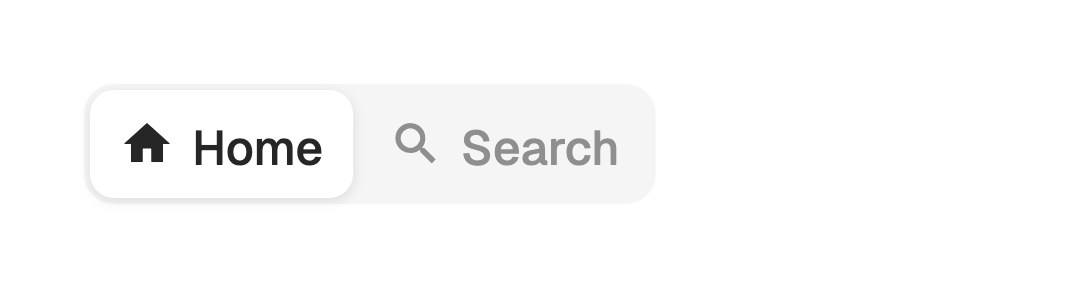
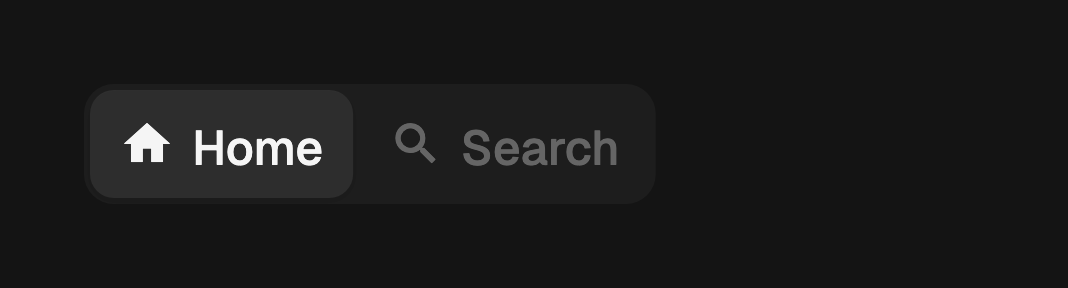
FossTabs<String>(
  tabs: const [
    FossTab(value: 'home', label: 'Home', icon: Icon(LucideIcons.house)),
    FossTab(value: 'search', label: 'Search', icon: Icon(LucideIcons.search)),
  ],
);
Disabled tabs
Set enabled: false on a tab to dim it and drop it from selection and keyboard
navigation. The arrow keys skip over it.
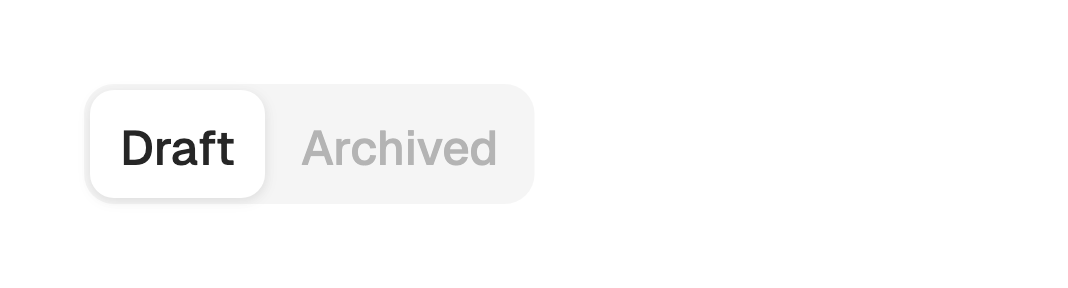
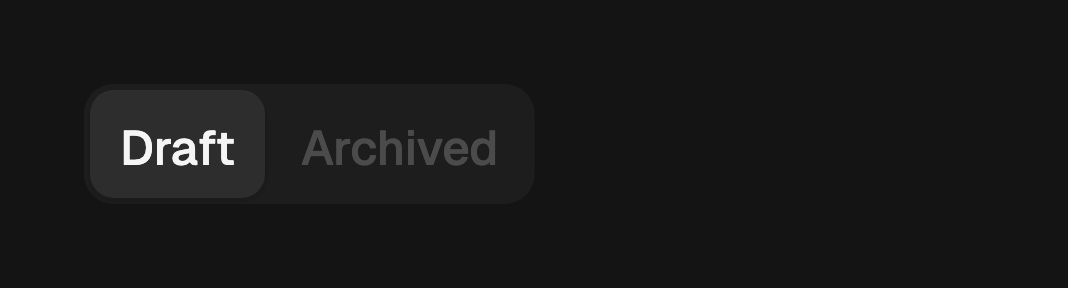
FossTabs<String>(
  tabs: const [
    FossTab(value: 'draft', label: 'Draft'),
    FossTab(value: 'archived', label: 'Archived', enabled: false),
  ],
);
One-off styling
Global retheming comes first, but a single tab set can override the resolved
look with a FossTabsStyle. Every field is optional and falls back to the
theme.
FossTabs<String>(
  tabs: tabs,
  style: const FossTabsStyle(indicatorColor: Color(0xFF10B981)),
);
API
FossTabs
| Prop | Type | Default | Description |
|---|---|---|---|
tabs | List<FossTab<T>> | required | The ordered tabs. |
value | T? | null | Selected value when controlled. Null hands selection to the widget. |
onChanged | ValueChanged<T>? | null | Called with a tab's value when it is selected. |
initialValue | T? | null | Initial selection when uncontrolled. Falls back to the first enabled tab. |
variant | FossTabsVariant | segmented | The look. |
orientation | FossTabsOrientation | horizontal | The axis. |
style | FossTabsStyle? | null | Per-instance overrides on the theme. |
FossTab
| Prop | Type | Default | Description |
|---|---|---|---|
value | T | required | The value this tab selects. Unique within a FossTabs. |
label | String | required | The text shown on the trigger. |
icon | Widget? | null | Optional leading glyph, sized to 18. |
content | Widget? | null | The panel shown when active. Null leaves the panel to the caller. |
enabled | bool | true | Whether the tab accepts focus and selection. |
FossTabsStyle
| Prop | Type | Default | Description |
|---|---|---|---|
barColor | Color? | null | Fill of the segmented strip bar. Unused by the underline variant. |
indicatorColor | Color? | null | Fill of the active indicator: the pill or the underline bar. |
indicatorShadow | List<BoxShadow>? | null | Shadow layers under the segmented pill. |
hoverColor | Color? | null | Background tint of a hovered underline tab. |
activeForeground | Color? | null | Label color of the active tab. |
inactiveForeground | Color? | null | Label color of inactive tabs. |
labelStyle | TextStyle? | null | Text style of every tab label. |
FossTabsVariant
segmented, underline.
FossTabsOrientation
horizontal, vertical.
Live demo
Open the interactive gallery to try controlled and uncontrolled, variants, and orientation with live knobs.