Progress
A determinate progress bar with an animated fill and optional label and value captions.
A progress bar shows how far a long task has run. Set value to the filled
fraction between 0 and 1; anything outside that range is clamped. The fill
animates its width from the theme motion, and jumps instantly under reduced
motion. The bar is static and non-interactive.


import 'package:fossui/fossui.dart';

FossProgress(
  value: 0.4,
);
Labels
label sits at the start of a row above the track and valueLabel at the end.
The row appears only when at least one is set. Format the value yourself, so it
can read as a percentage, a count, or anything else.
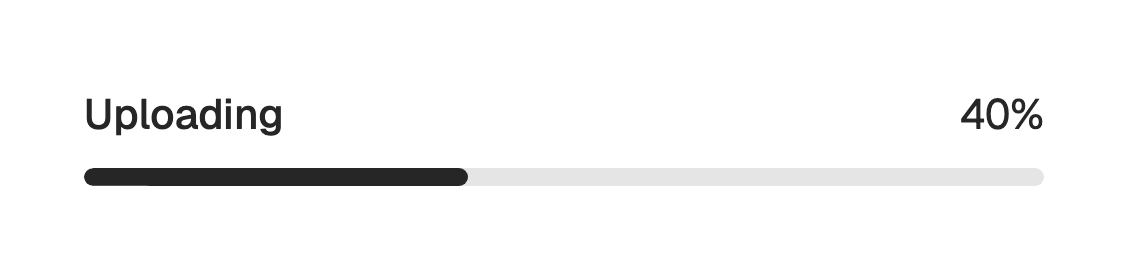
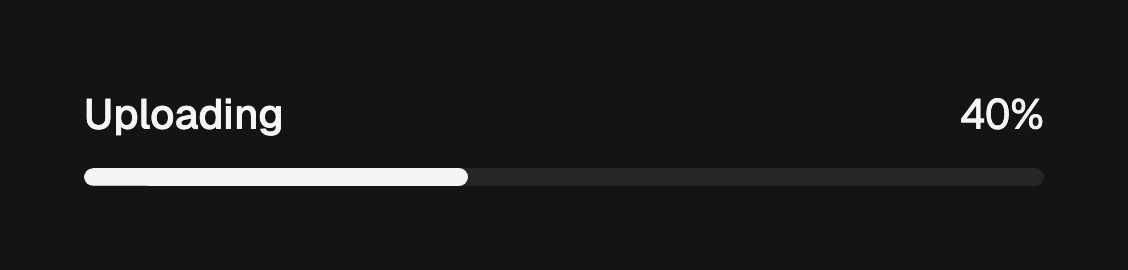
FossProgress(
  value: 0.4,
  label: 'Uploading',
  valueLabel: '40%',
);FossProgress(
value: uploaded / total,
label: 'Files',
valueLabel: '$uploaded of $total',
);Accessibility name
When there is no visible label, pass semanticLabel to name the bar for
assistive technology. The percentage is always announced from value.
FossProgress(
  value: 0.75,
  semanticLabel: 'Download progress',
);
One-off styling
Global retheming is the first choice, but a single bar can override its resolved
colors and text with a FossProgressStyle. Every field is optional and falls
back to the theme.
FossProgress(
  value: 0.6,
  style: const FossProgressStyle(
    fillColor: Color(0xFF16A34A),
  ),
);
API
FossProgress
| Prop | Type | Default | Description |
|---|---|---|---|
value | double | required | Filled fraction in 0 to 1, clamped. |
label | String? | null | Text at the start of the row above the track. |
valueLabel | String? | null | Formatted value at the end of the row. |
semanticLabel | String? | null | Accessibility name when there is no visible label. |
style | FossProgressStyle? | null | Per-instance overrides on the theme. |
FossProgressStyle
| Field | Type | Default | Description |
|---|---|---|---|
trackColor | Color? | null | Fill of the unfilled track. |
fillColor | Color? | null | Fill of the leading progress band. |
labelStyle | TextStyle? | null | Style of the label, merged over the token default. |
valueLabelStyle | TextStyle? | null | Style of the value label, merged over the token default. |
Live demo
Open the interactive gallery to try labels with live knobs.