Button
A pressable button with six variants, three sizes, icon slots, and built-in loading.
A button triggers an action. Pick a look with variant and a size with size;
both read their colors, radius, type, and spacing from the theme, so a global
retheme restyles every button at once. Passing a null onPressed disables it.
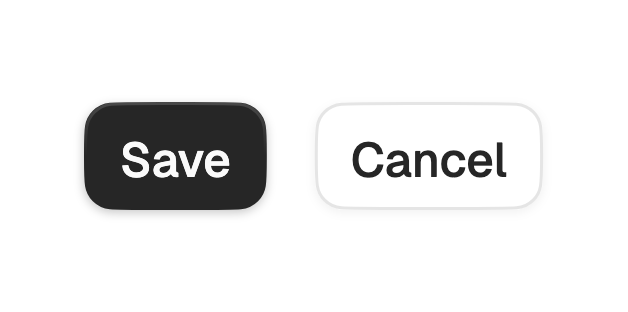
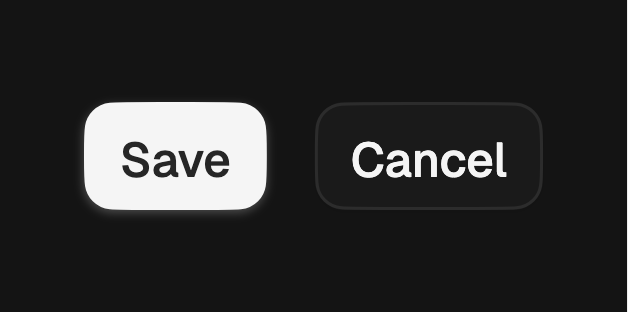
import 'package:fossui/fossui.dart';

FossButton(
  onPressed: () => save(),
  child: const Text('Save'),
);
Variants
Six treatments, from high emphasis to plain text. The default is primary.


FossButton(
  variant: FossButtonVariant.primary,
  onPressed: () {},
  child: const Text('Primary'),
);

FossButton(
  variant: FossButtonVariant.secondary,
  onPressed: () {},
  child: const Text('Secondary'),
);

FossButton(
  variant: FossButtonVariant.outline,
  onPressed: () {},
  child: const Text('Outline'),
);

FossButton(
  variant: FossButtonVariant.ghost,
  onPressed: () {},
  child: const Text('Ghost'),
);

FossButton(
  variant: FossButtonVariant.destructive,
  onPressed: () {},
  child: const Text('Delete'),
);

FossButton(
  variant: FossButtonVariant.link,
  onPressed: () {},
  child: const Text('Link'),
);
Sizes
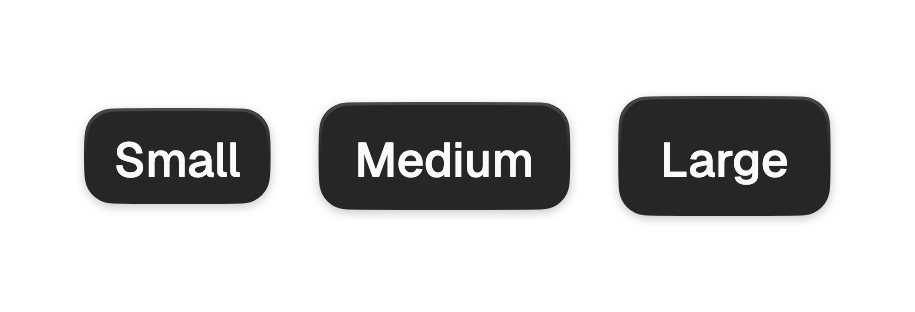
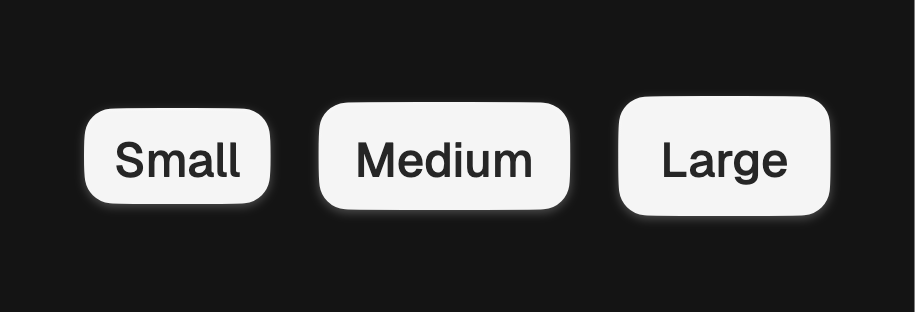
Three heights: sm (32), md (36, the default), and lg (40). Every size keeps
a 48px minimum tap target underneath, so small buttons stay reachable.
FossButton(
  size: FossButtonSize.sm,
  onPressed: () {},
  child: const Text('Small'),
);

FossButton(
  size: FossButtonSize.lg,
  onPressed: () {},
  child: const Text('Large'),
);
Icons
leading and trailing take any widget, so you can pass Lucide, Material,
Cupertino, an SVG, or a custom icon. Their color and size are themed to match the
label.
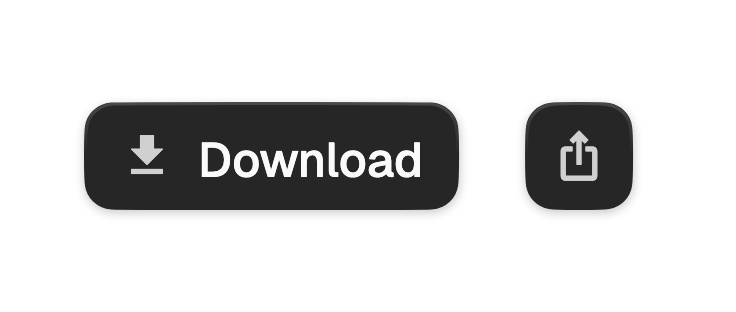
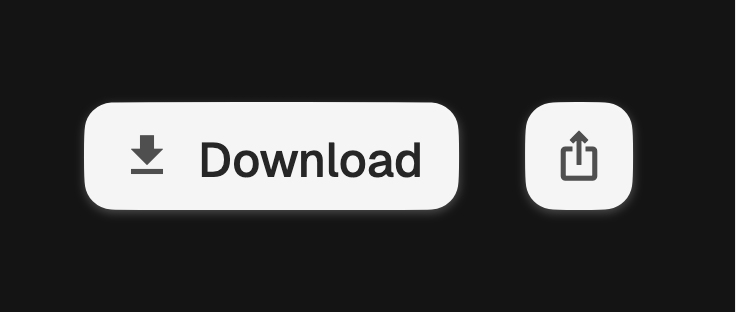
FossButton(
  onPressed: () {},
  leading: const Icon(LucideIcons.download),
  child: const Text('Download'),
);
For an icon with no label, use FossButton.icon. It renders square and requires a
semanticLabel, since there is no visible text to name the action.
FossButton.icon(
  onPressed: share,
  semanticLabel: 'Share',
  icon: const Icon(LucideIcons.share),
);
Loading
Set loading: true to swap the label for a spinner while keeping the button's
width, so the layout does not jump.
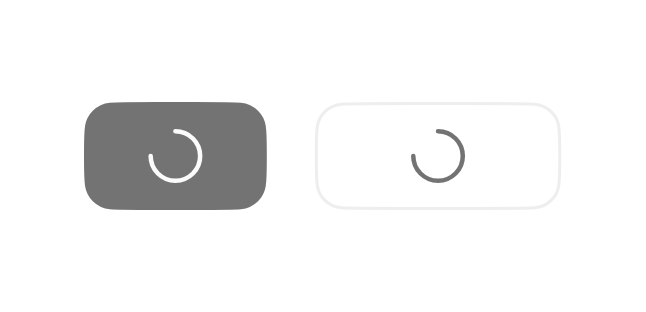
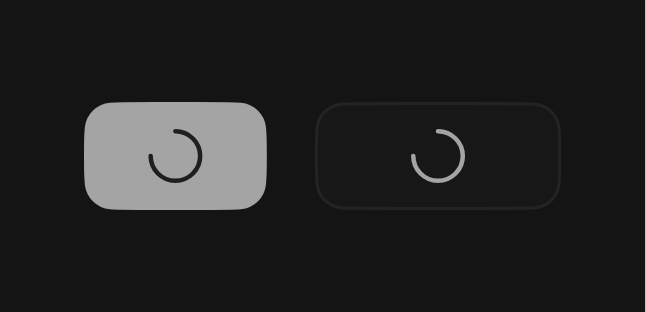
FossButton(
  onPressed: () => save(),
  loading: isSaving,
  child: const Text('Save'),
);
To drive loading without rebuilding the button, pass a FossButtonController and
call run, which holds the button in its loading state until the action settles,
including on error.
final controller = FossButtonController();

FossButton(
  controller: controller,
  onPressed: () => controller.run(saveToServer),
  child: const Text('Save'),
);
Disabled
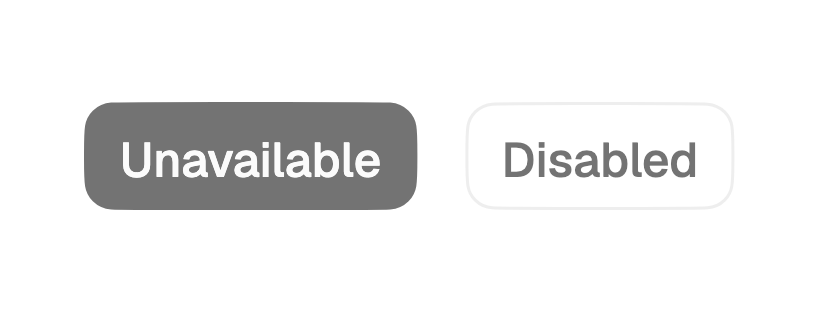
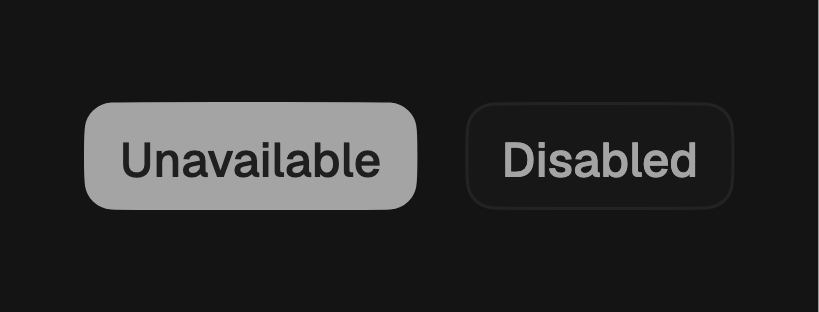
Pass a null onPressed to disable the button. It drops to a muted opacity and
stops responding to hover, focus, and tap.
const FossButton(
  onPressed: null,
  child: Text('Unavailable'),
);
One-off styling
Global retheming is the first choice, but a single button can override the
theme-resolved look with a FossButtonStyle. Every field is optional and falls
back to the theme.
FossButton(
  onPressed: save,
  style: const FossButtonStyle(
    borderRadius: 999,
    backgroundColor: WidgetStatePropertyAll(Color(0xFF6D28D9)),
  ),
  child: const Text('Save'),
);
API
FossButton
| Prop | Type | Default | Description |
|---|---|---|---|
child | Widget | required | The label, typically a Text. |
onPressed | VoidCallback? | null | Called on tap. Null disables the button. |
variant | FossButtonVariant | primary | The visual treatment. |
size | FossButtonSize | md | The button height. |
leading | Widget? | null | Widget before the label, themed as an icon. |
trailing | Widget? | null | Widget after the label, themed as an icon. |
loading | bool | false | Shows a spinner and blocks interaction. |
loadingIndicator | Widget? | null | Replaces the built-in spinner. |
controller | FossButtonController? | null | Drives loading and disabled imperatively. |
style | FossButtonStyle? | null | Per-instance overrides on the theme. |
semanticLabel | String? | null | Accessibility label when the child is not descriptive. |
FossButton.icon takes the same props with a required icon and semanticLabel,
and no leading, trailing, or child.
FossButtonVariant
primary, secondary, outline, ghost, destructive, link.
FossButtonSize
sm (32), md (36), lg (40).
Live demo
Open the interactive gallery to try variants, sizes, and loading states with live knobs.