Drawer
An edge-anchored modal panel, also known as a sheet or bottom sheet, with a title, body, and action slots that slides in from any side and drags off to dismiss.
A drawer slides a panel in from an edge and dims the page behind it. Open one
with showFossDrawer, which draws the scrim, traps focus, and returns whatever
you pass to Navigator.pop. The panel reads its colors, radius, and shadow from
the theme.
Coming from a sheet or bottom sheet elsewhere? FossDrawer is that
component here: a bottom drawer is a bottom sheet, and side turns it into a
side sheet.
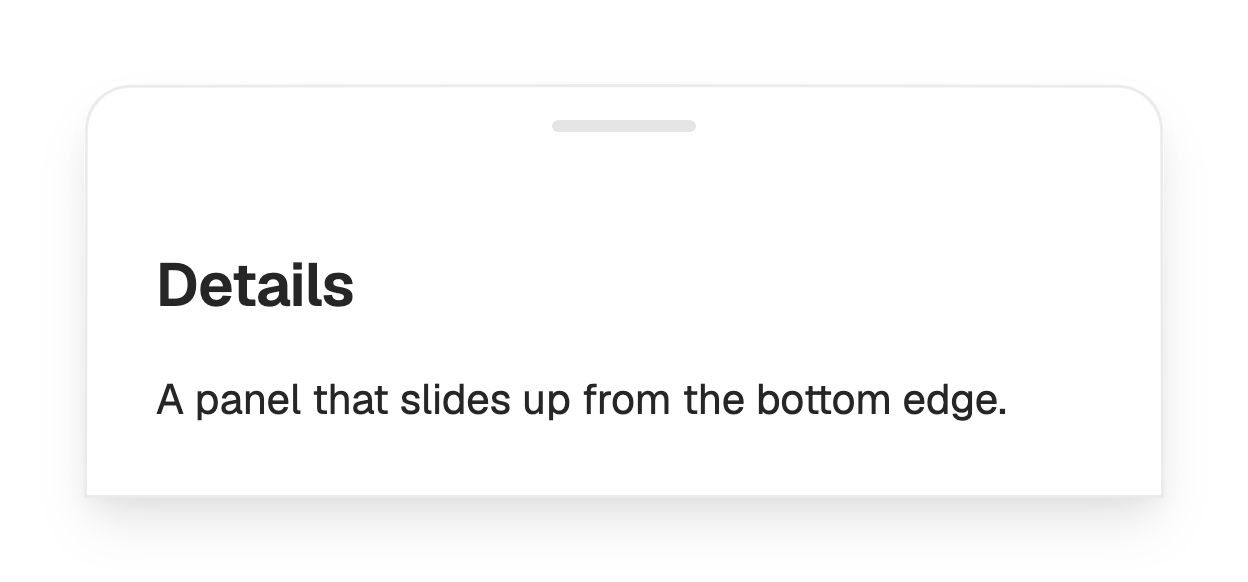
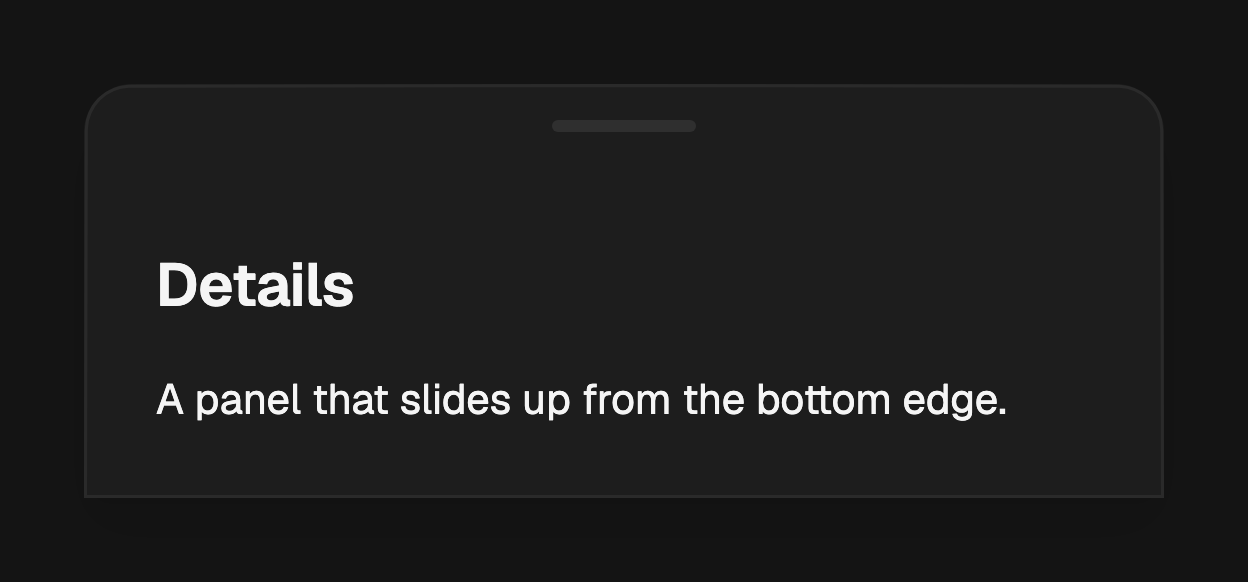
import 'package:fossui/fossui.dart';

showFossDrawer<void>(
  context: context,
  builder: (context) => const FossDrawer(
    title: Text('Details'),
    content: Text('A panel that slides up from the bottom edge.'),
  ),
);
Sides
side picks the edge the panel anchors to. bottom (the default) and top run
full width; left and right are side panels that respect text direction.
showFossDrawer<void>(
  context: context,
  side: FossDrawerSide.right,
  builder: (context) => const FossDrawer(
    title: Text('Filters'),
    content: FilterForm(),
  ),
);
Header and body
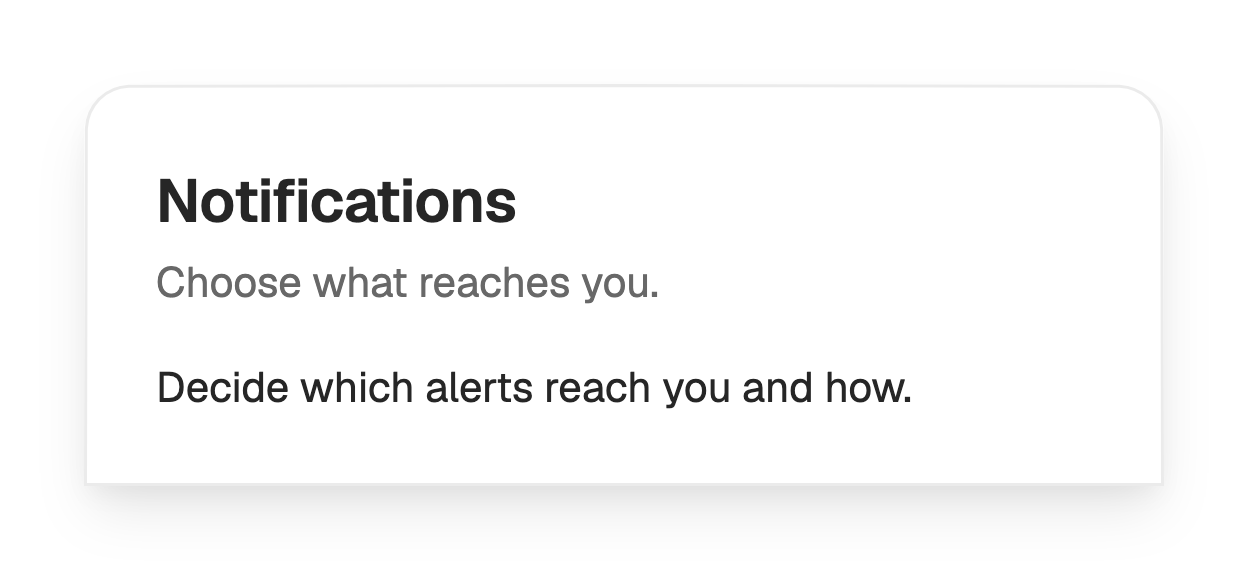
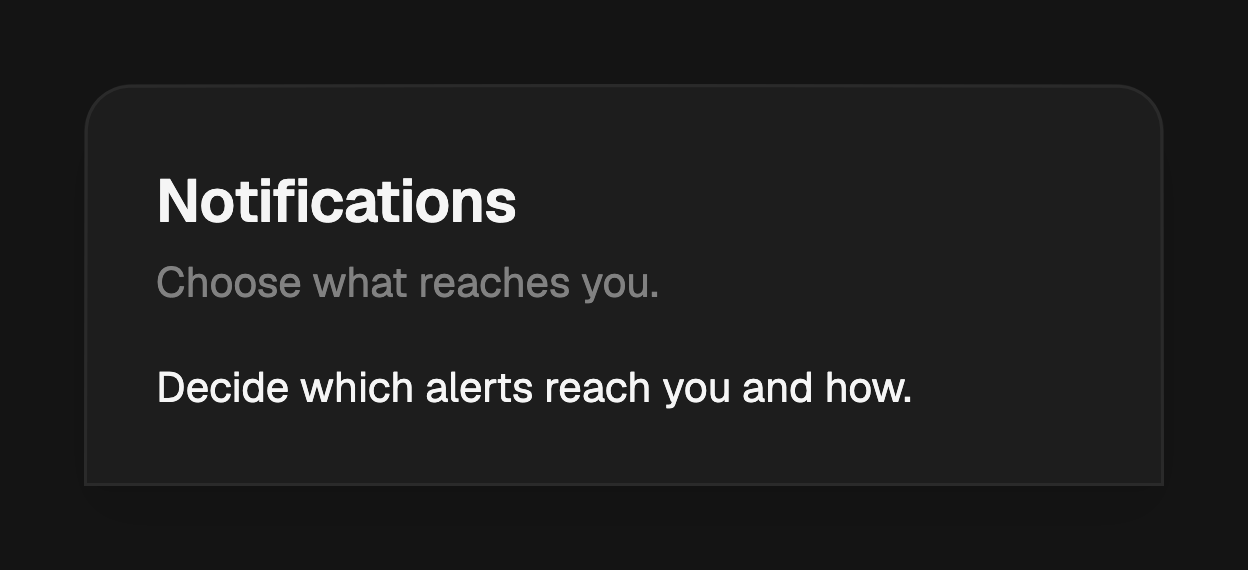
title and description fill the header; content is the scrollable body
between the header and footer. Each slot is optional, so a bare panel with only
a body is fine. When the body overflows, it fades at whichever edge still has
more content, so it always reads as scrollable.
showFossDrawer<void>(
  context: context,
  builder: (context) => const FossDrawer(
    title: Text('Notifications'),
    description: Text('Choose what reaches you.'),
    content: NotificationSettings(),
  ),
);
Actions
actions render in a trailing-aligned footer row. Pass FossButtons and call
Navigator.pop with the result you want showFossDrawer to resolve to.
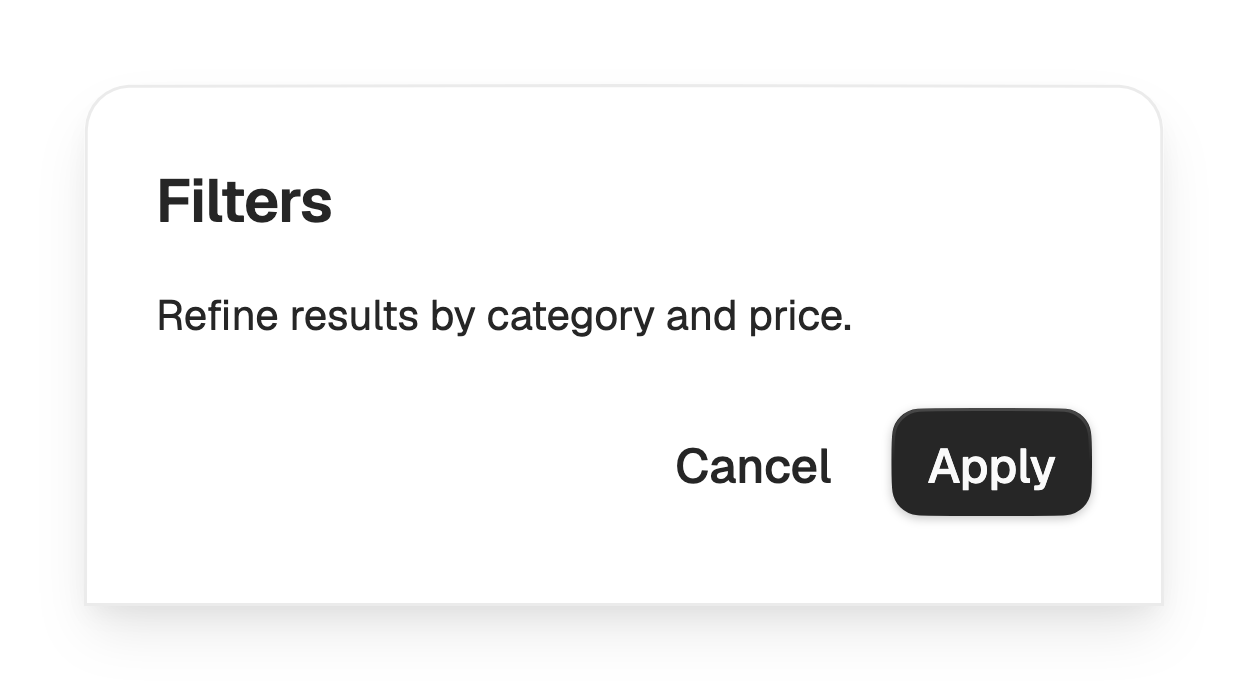
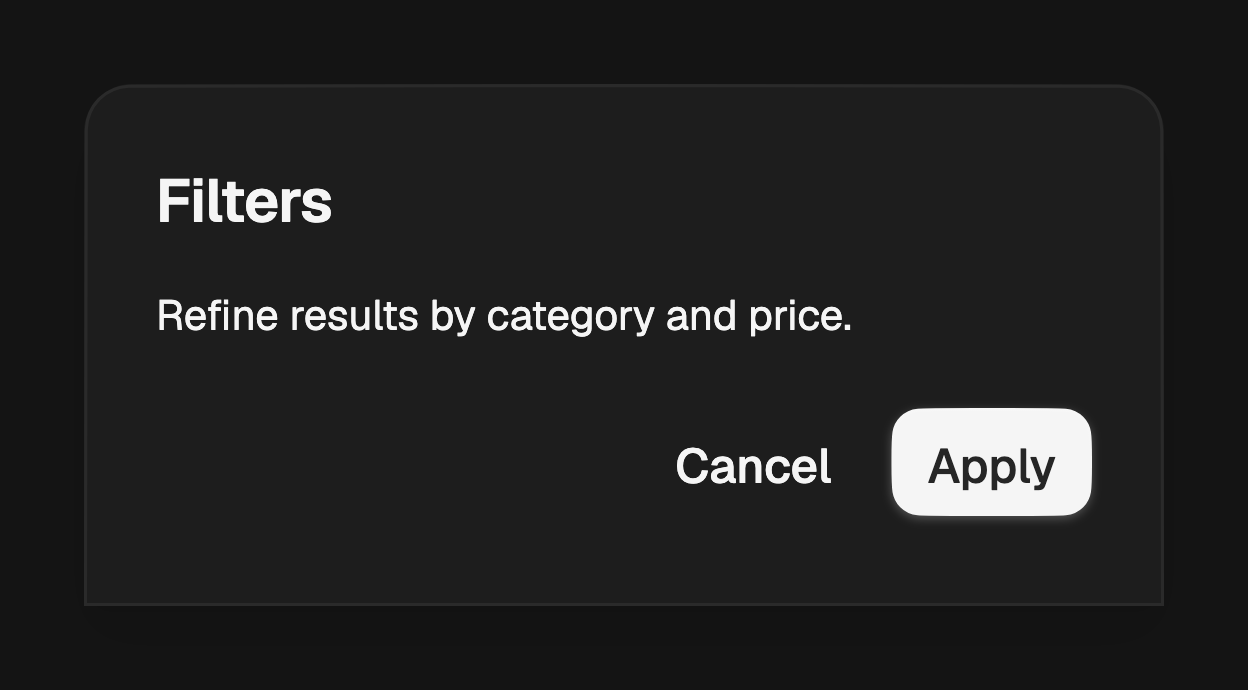
final applied = await showFossDrawer<bool>(
  context: context,
  builder: (context) => FossDrawer(
    title: const Text('Filters'),
    content: const FilterForm(),
    actions: [
      FossButton(
        variant: FossButtonVariant.ghost,
        onPressed: () => Navigator.pop(context, false),
        child: const Text('Cancel'),
      ),
      FossButton(
        onPressed: () => Navigator.pop(context, true),
        child: const Text('Apply'),
      ),
    ],
  ),
);
Set footerVariant to filled to sit the actions on a bordered, muted bar
instead of the plain surface.
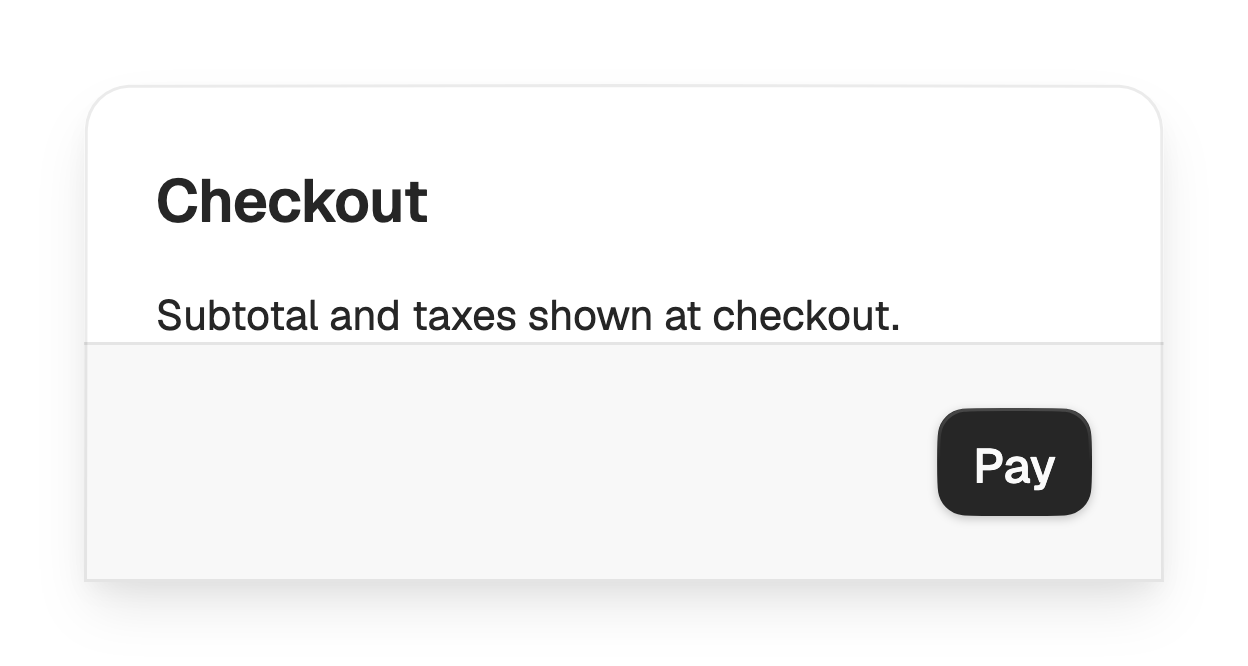
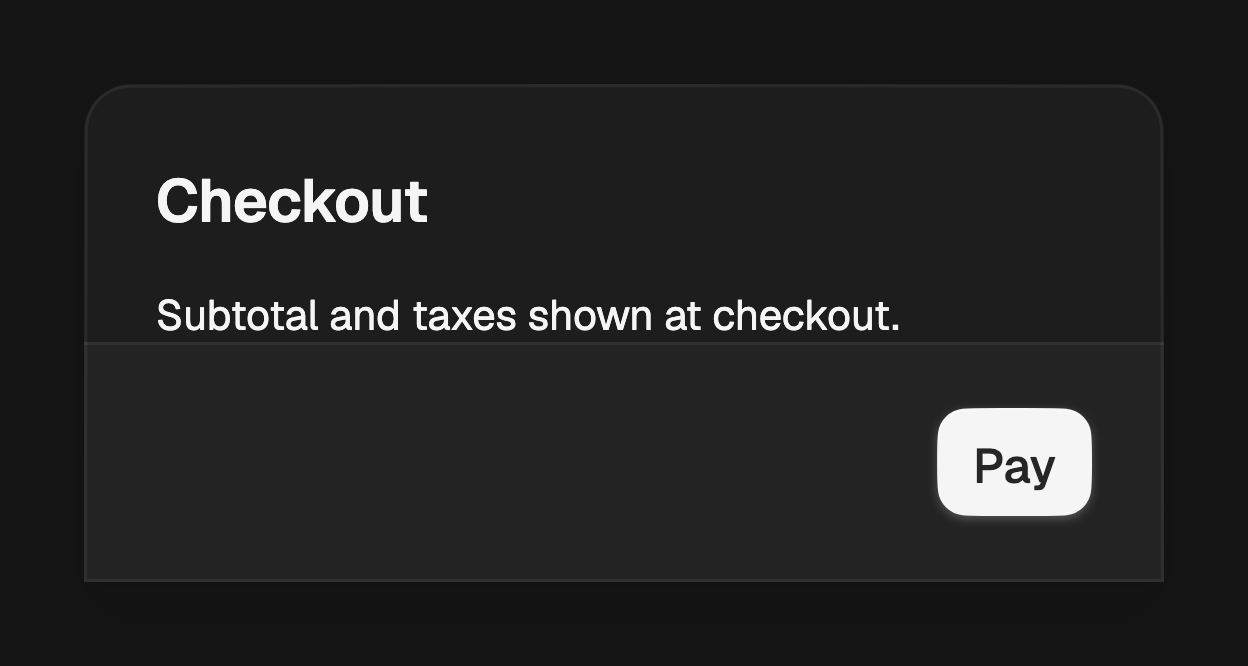
FossDrawer(
  footerVariant: FossDrawerFooterVariant.filled,
  content: const CheckoutSummary(),
  actions: [
    FossButton(onPressed: pay, child: const Text('Pay')),
  ],
);
Handle and close button
showHandle adds a drag handle on the exposed edge. The surface can be dragged
back off its edge to dismiss regardless. showCloseButton adds a close
affordance in the top corner, and closeIcon replaces the default glyph.
const FossDrawer(
  showHandle: true,
  showCloseButton: true,
  title: Text('Share'),
  content: ShareOptions(),
);
Corners
variant sets the corner treatment. rounded (the default) rounds the exposed
corners where the panel meets the page; straight squares every corner.
const FossDrawer(
  variant: FossDrawerVariant.straight,
  title: Text('Menu'),
  content: MenuList(),
);
API
showFossDrawer
| Prop | Type | Default | Description |
|---|---|---|---|
context | BuildContext | required | The context used to find the navigator. |
builder | WidgetBuilder | required | Builds the panel, typically a FossDrawer. |
side | FossDrawerSide | bottom | The edge the panel slides in from. |
barrierDismissible | bool | true | Whether a scrim tap closes the drawer. |
barrierLabel | String? | null | Accessibility label for the scrim. |
useRootNavigator | bool | true | Whether to push onto the root navigator. |
Returns a Future<T?> that resolves to the value passed to Navigator.pop.
FossDrawer
| Prop | Type | Default | Description |
|---|---|---|---|
title | Widget? | null | Title at the top of the header. |
description | Widget? | null | Line below the title. |
content | Widget? | null | Scrollable body between header and footer. |
actions | List<Widget> | const [] | Footer actions; empty hides the footer. |
variant | FossDrawerVariant | rounded | Corner treatment. |
footerVariant | FossDrawerFooterVariant | bare | Footer treatment. |
showHandle | bool | false | Shows a drag handle on the exposed edge. |
showCloseButton | bool | false | Shows a close affordance in the top corner. |
closeIcon | Widget? | null | Replaces the default close glyph. |
style | FossDrawerStyle? | null | Per-instance overrides on the theme. |
FossDrawerSide
bottom, top, left, right.
FossDrawerVariant
rounded, straight.
FossDrawerFooterVariant
bare, filled.
Live demo
Open the interactive gallery to try sides, header and body, and actions with live knobs.