Badge
A compact status pill that tags a count, state, or category.
A badge is a small, content-hugging label. Pick a color with variant and a box
with size; both read from the theme. It is static and non-interactive, meant to
sit beside other content rather than be tapped.
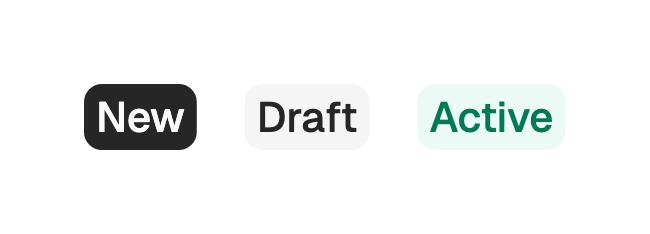
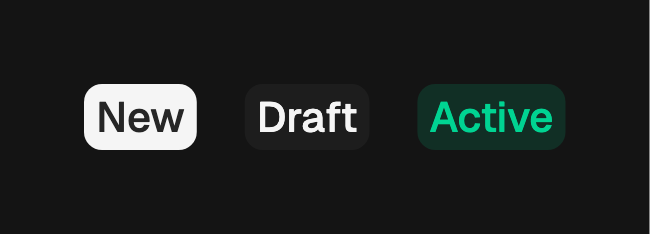
import 'package:fossui/fossui.dart';

FossBadge(
  label: const Text('New'),
);
Variants
Eight colors. primary, secondary, outline, and destructive are solid or
bordered pills. info, success, warning, and error are soft, tinting the
role at low alpha. The default is primary.


FossBadge(
  variant: FossBadgeVariant.secondary,
  label: const Text('Draft'),
);

FossBadge(
  variant: FossBadgeVariant.outline,
  label: const Text('Beta'),
);

FossBadge(
  variant: FossBadgeVariant.destructive,
  label: const Text('Overdue'),
);

FossBadge(
  variant: FossBadgeVariant.success,
  label: const Text('Active'),
);

FossBadge(
  variant: FossBadgeVariant.warning,
  label: const Text('Pending'),
);
Sizes
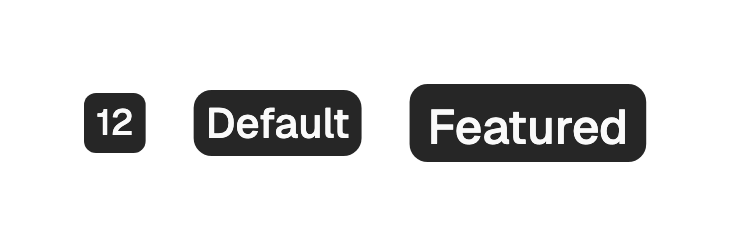
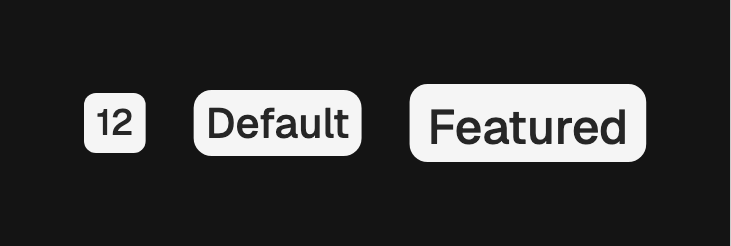
Three heights: sm (20), md (22, the default), and lg (26). The type step and
padding scale with the box, and a minimum width keeps a single glyph from reading
narrower than it is tall.
FossBadge(
  size: FossBadgeSize.sm,
  label: const Text('12'),
);

FossBadge(
  size: FossBadgeSize.lg,
  label: const Text('Featured'),
);
Icons
leading and trailing take any widget, so you can pass Lucide, Material,
Cupertino, or an SVG. Each icon is sized to a uniform metric, colored to the
label, and slightly dimmed.
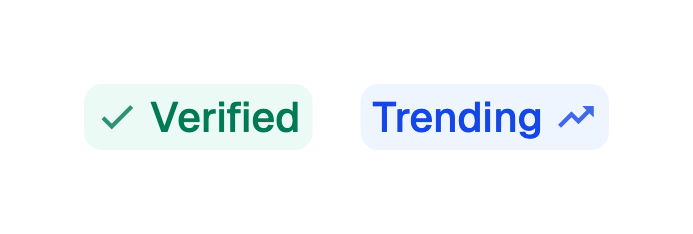
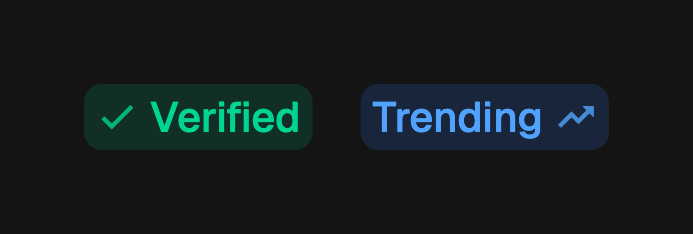
FossBadge(
  variant: FossBadgeVariant.success,
  label: const Text('Verified'),
  leading: const Icon(LucideIcons.check),
);
Accessibility
When the badge is the only thing carrying meaning, set semanticLabel so
assistive technology announces the state instead of the bare glyph.
FossBadge(
  variant: FossBadgeVariant.error,
  label: const Text('3'),
  semanticLabel: '3 failed checks',
);
API
FossBadge
| Prop | Type | Default | Description |
|---|---|---|---|
label | Widget | required | The pill content, usually a Text. |
variant | FossBadgeVariant | primary | The color treatment. |
size | FossBadgeSize | md | The pill height and type step. |
leading | Widget? | null | Icon slot before the label. |
trailing | Widget? | null | Icon slot after the label. |
semanticLabel | String? | null | Replaces the read-in-place content for assistive technology. |
style | FossBadgeStyle? | null | Per-instance overrides on the theme. |
FossBadgeVariant
primary, secondary, outline, destructive, info, success, warning,
error.
FossBadgeSize
sm (20), md (22), lg (26).
Live demo
Open the interactive gallery to try variants, sizes, and icons with live knobs.