Alert Dialog
A non-dismissible modal that interrupts to require a decision.
An alert dialog blocks the page until the user picks an action. The scrim does not
dismiss it, and there is no close button, so at least one action is required.
Open it with showFossAlertDialog, which resolves to whatever you pass to
Navigator.pop. It opens as a bottom sheet by default; pass
presentation: FossDialogPresentation.centered for a centered card.
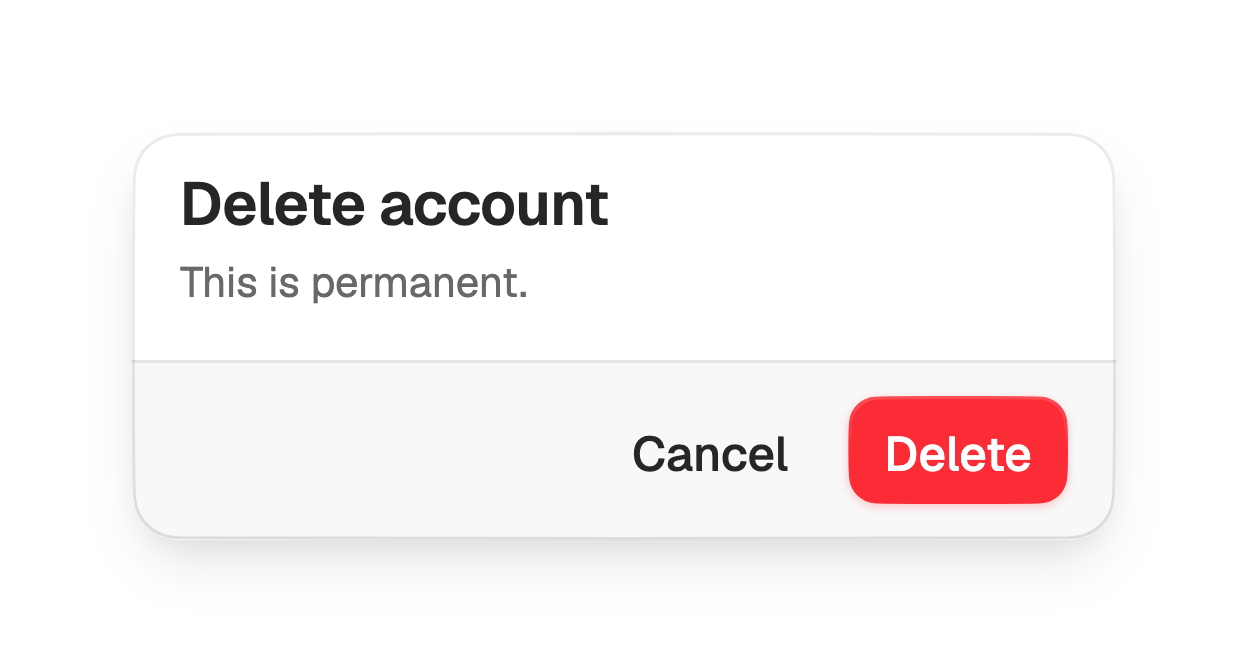
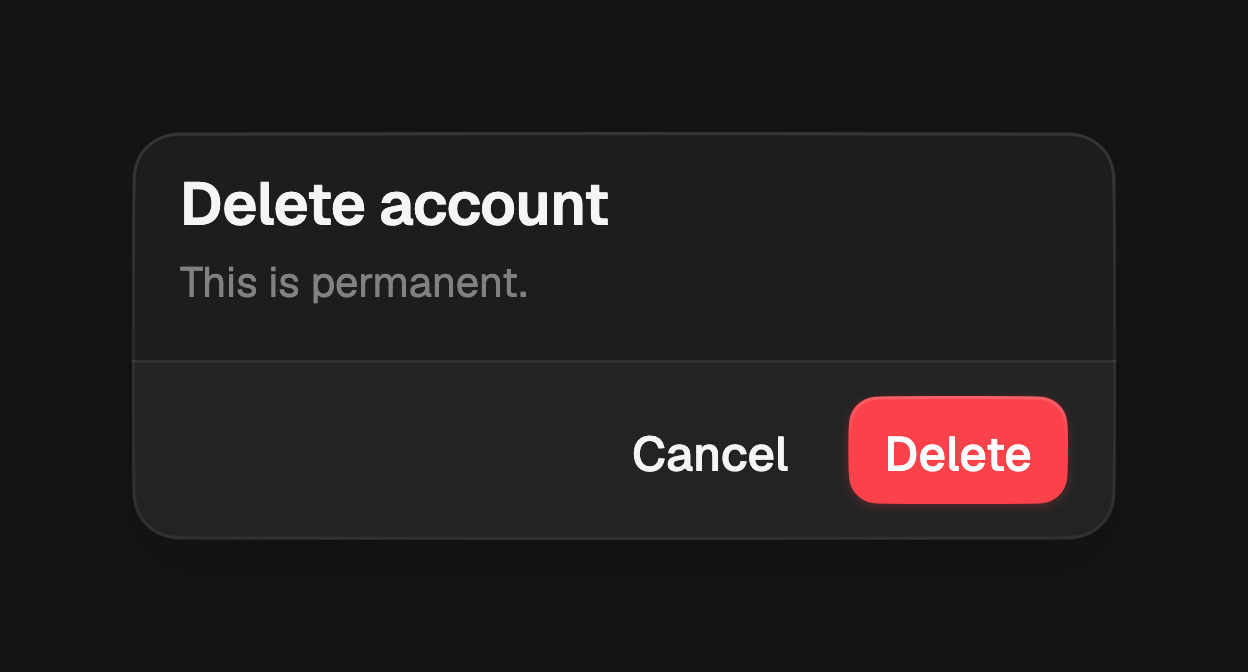
import 'package:fossui/fossui.dart';

final confirmed = await showFossAlertDialog<bool>(
  context: context,
  builder: (context) => FossAlertDialog(
    title: const Text('Delete account'),
    description: const Text('This is permanent.'),
    actions: [
      FossButton(
        variant: FossButtonVariant.ghost,
        onPressed: () => Navigator.pop(context, false),
        child: const Text('Cancel'),
      ),
      FossButton(
        variant: FossButtonVariant.destructive,
        onPressed: () => Navigator.pop(context, true),
        child: const Text('Delete'),
      ),
    ],
  ),
);
Header
title and description sit at the top of the header. Both are optional, but a
dialog usually needs at least a title to name the decision. Back or Esc pop the
route with a null result, which is the cancel path.
FossAlertDialog(
  title: const Text('Session expired'),
  description: const Text('Sign in again to continue.'),
  actions: [
    FossButton(
      onPressed: () => Navigator.pop(context),
      child: const Text('Sign in'),
    ),
  ],
);
Content
Pass content for a scrollable body between the header and the footer, for
example a longer explanation or a short form.
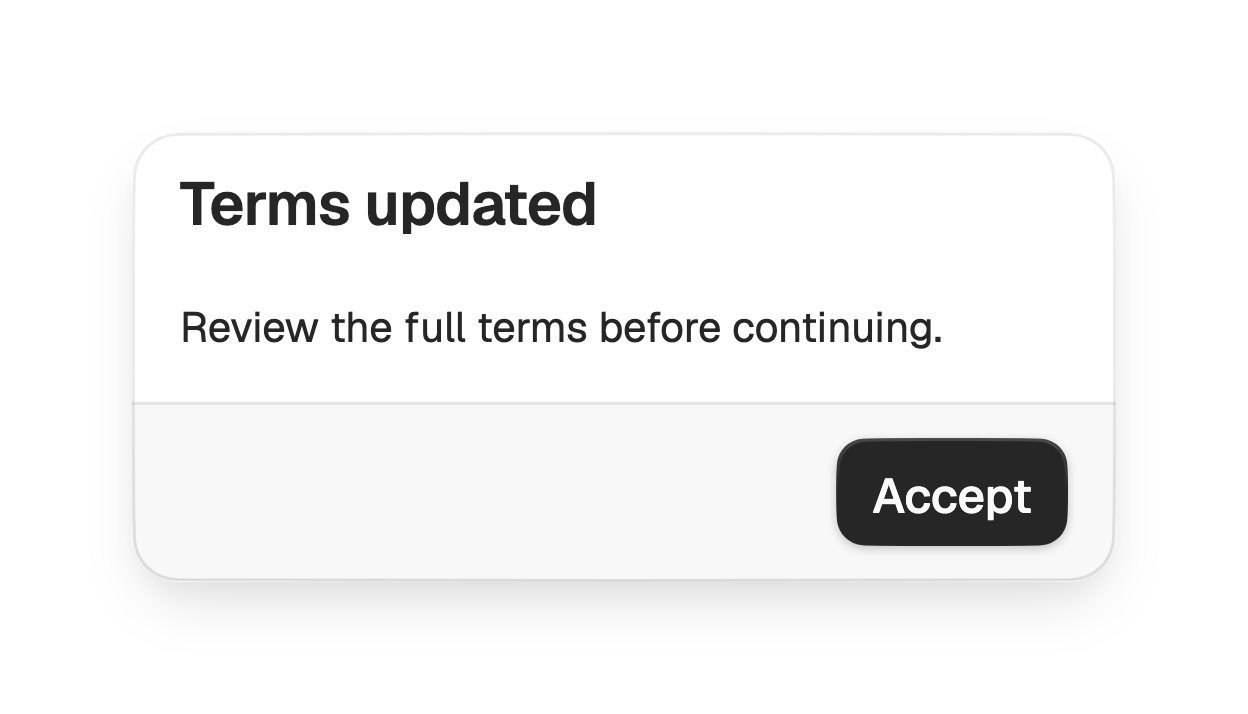
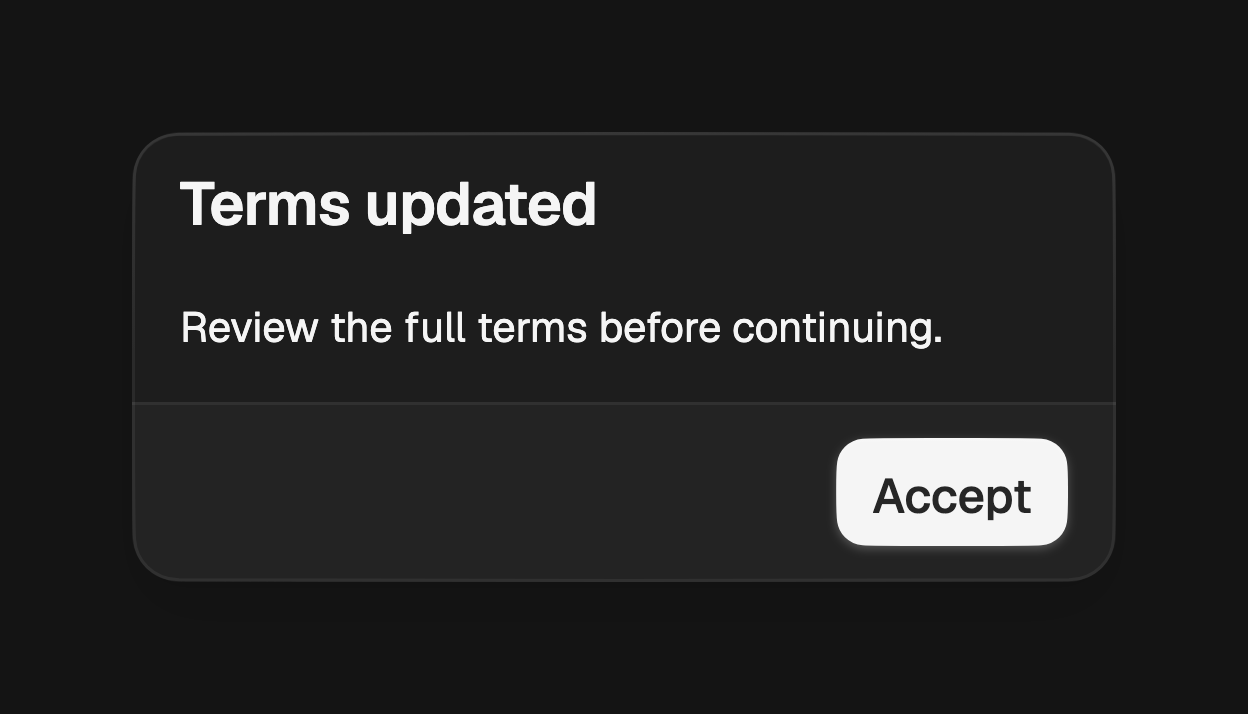
FossAlertDialog(
  title: const Text('Terms updated'),
  content: const Text('Review the full terms before continuing...'),
  actions: [
    FossButton(
      onPressed: () => Navigator.pop(context),
      child: const Text('Accept'),
    ),
  ],
);
Footer
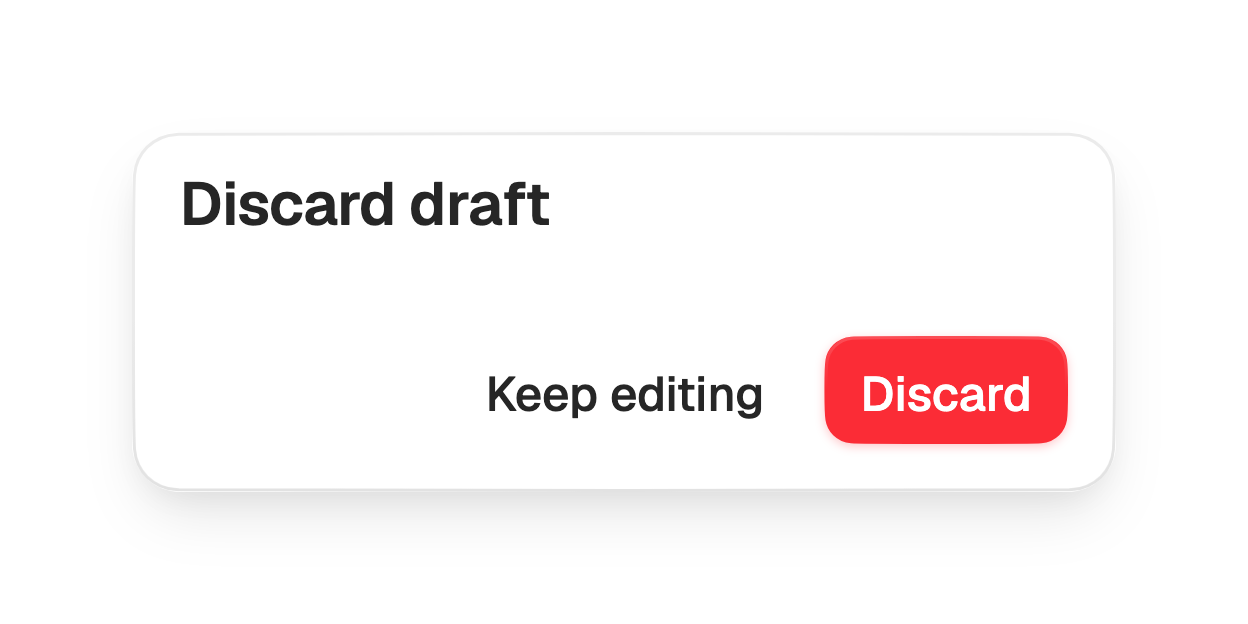
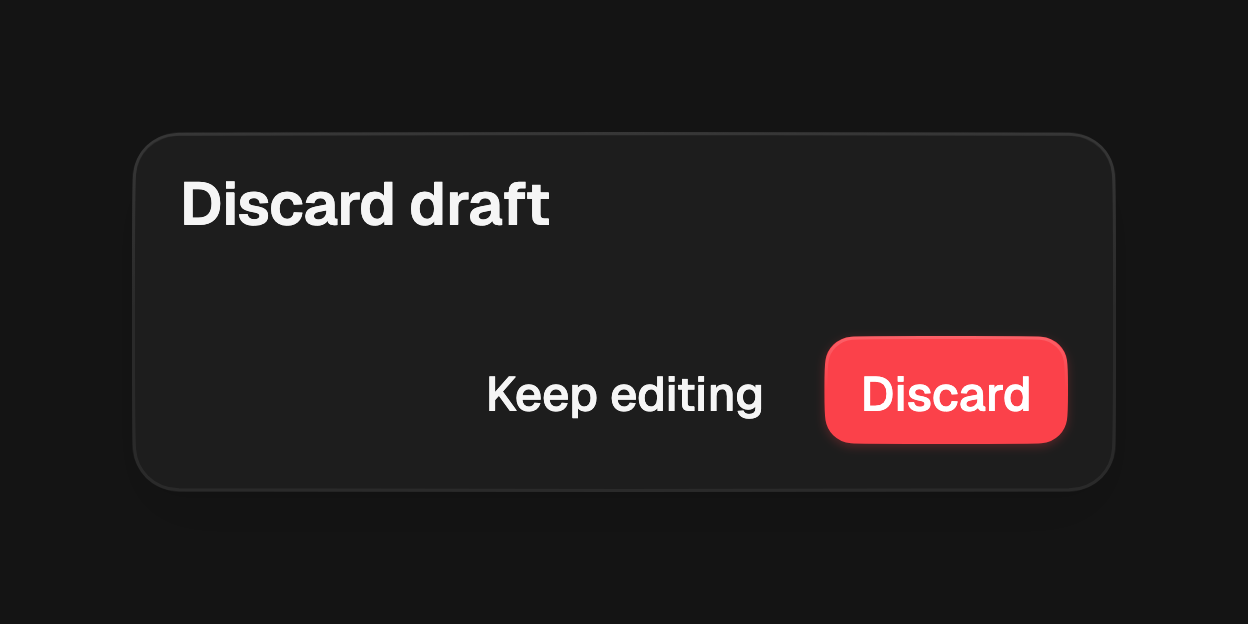
The actions render in a trailing-aligned footer. The default filled treatment
draws a bordered bar tinted with the muted role behind the actions; set
footerVariant to bare to sit the actions on the plain surface instead.
FossAlertDialog(
  title: const Text('Discard draft'),
  footerVariant: FossDialogFooterVariant.bare,
  actions: [
    FossButton(
      variant: FossButtonVariant.ghost,
      onPressed: () => Navigator.pop(context),
      child: const Text('Keep editing'),
    ),
    FossButton(
      variant: FossButtonVariant.destructive,
      onPressed: () => Navigator.pop(context),
      child: const Text('Discard'),
    ),
  ],
);
API
showFossAlertDialog
| Prop | Type | Default | Description |
|---|---|---|---|
context | BuildContext | required | The context used to find the navigator. |
builder | WidgetBuilder | required | Builds the dialog, typically a FossAlertDialog. |
presentation | FossDialogPresentation | bottomSheet | Whether the dialog rides up as a bottom sheet or opens as a centered card. |
barrierLabel | String? | null | Accessibility label for the scrim. |
useRootNavigator | bool | true | Pushes onto the root navigator when true. |
Returns a Future<T?> that resolves to the value passed to Navigator.pop, or
null when dismissed by Back or Esc.
FossAlertDialog
| Prop | Type | Default | Description |
|---|---|---|---|
actions | List<Widget> | required | The footer actions. Must be non-empty. |
title | Widget? | null | Title, centered at the top of the header. |
description | Widget? | null | Description, centered below the title. |
content | Widget? | null | An optional scrollable body between header and footer. |
footerVariant | FossDialogFooterVariant | filled | The footer treatment. |
semanticLabel | String? | null | Names the route for assistive tech. Defaults to the title text. |
style | FossAlertDialogStyle? | null | Per-instance overrides on the theme. |
FossDialogFooterVariant
bare, filled.
FossDialogPresentation
bottomSheet, centered.
Live demo
Open the interactive gallery to try header, content, and footer with live knobs.