Text Field
A text input with label, helper and error captions, icon slots, password mode, and a multiline textarea.
A text field pairs an editable box with an optional label above and a helper or error caption below. Colors, radius, type, and spacing come from the theme, so a global retheme restyles every field. It is single line by default.
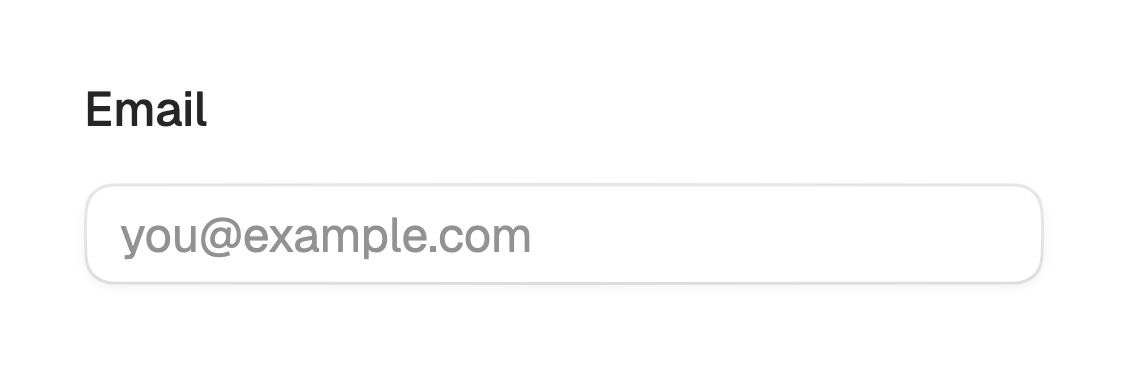
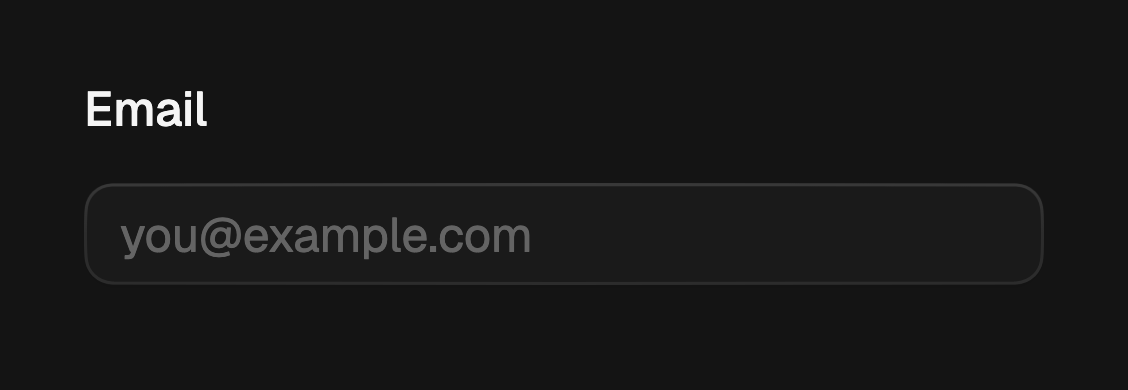
import 'package:fossui/fossui.dart';

FossTextField(
  label: 'Email',
  hintText: 'you@example.com',
  onChanged: (value) => setState(() => email = value),
);
Label and helper
label renders above the box; helperText sits below it as a quiet caption.
Both are optional.
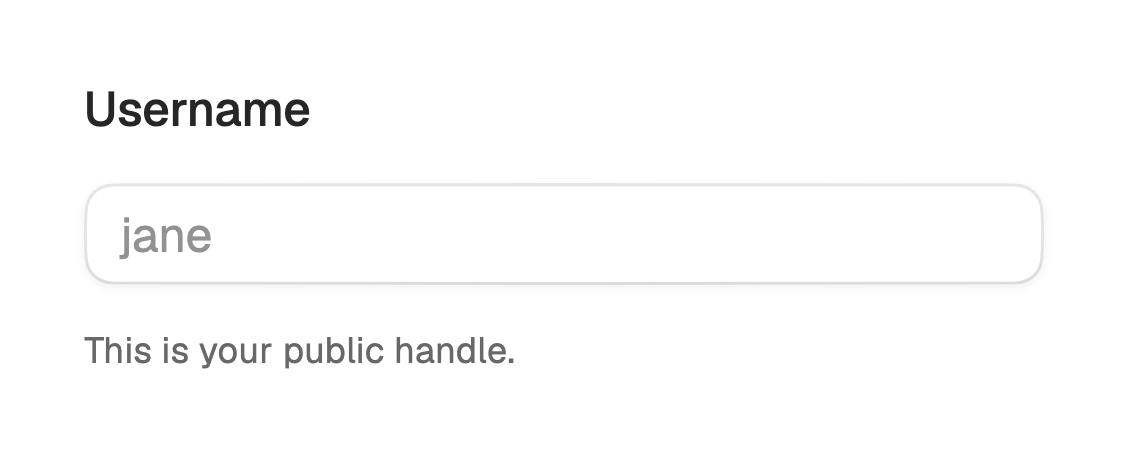
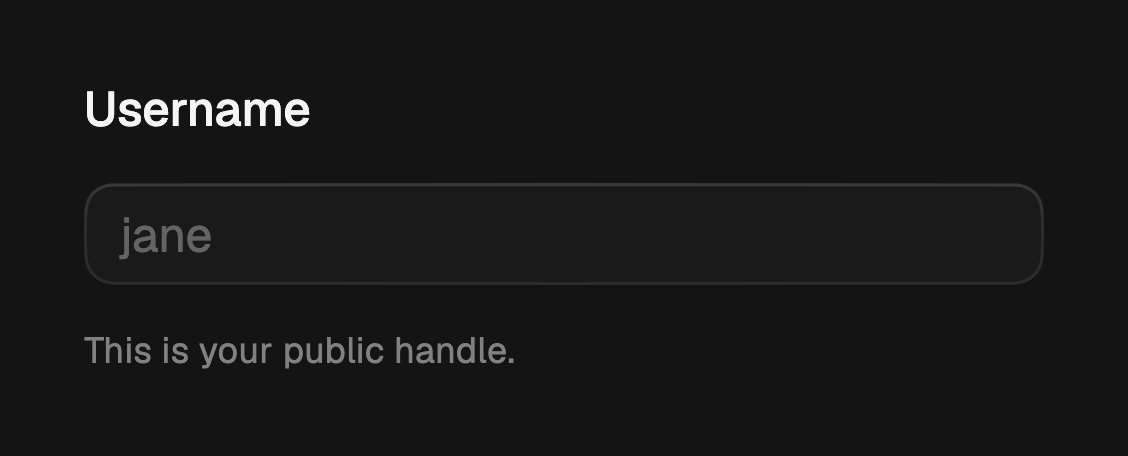
FossTextField(
  label: 'Username',
  hintText: 'jane',
  helperText: 'This is your public handle.',
  onChanged: (value) => setState(() => username = value),
);
Sizes
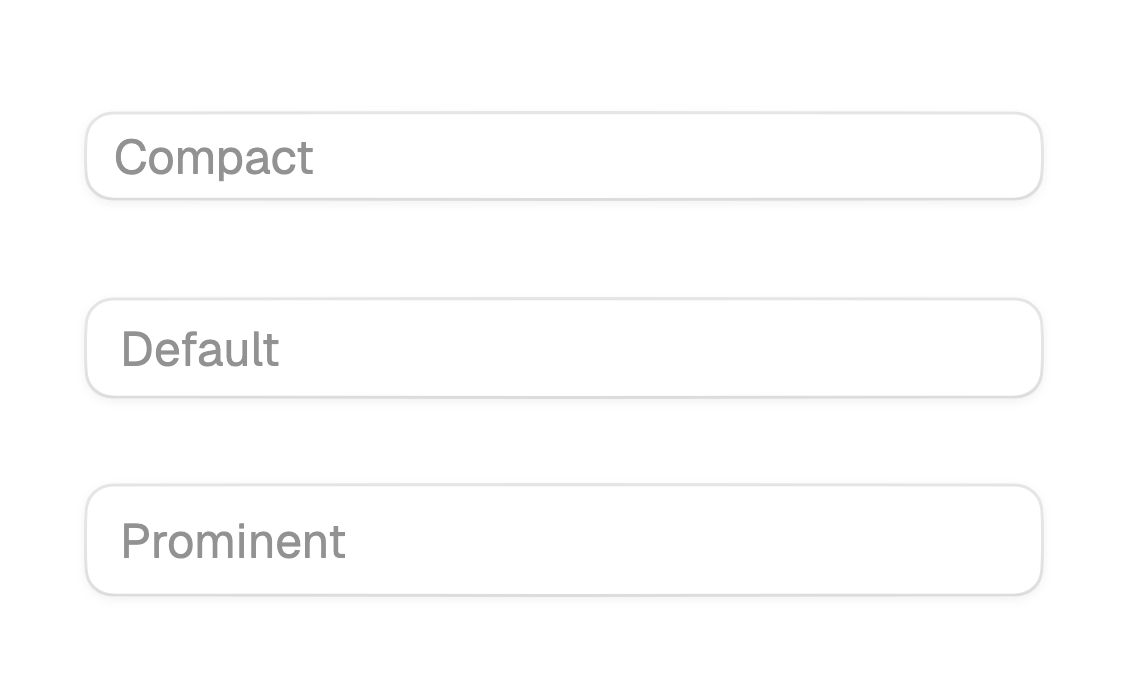
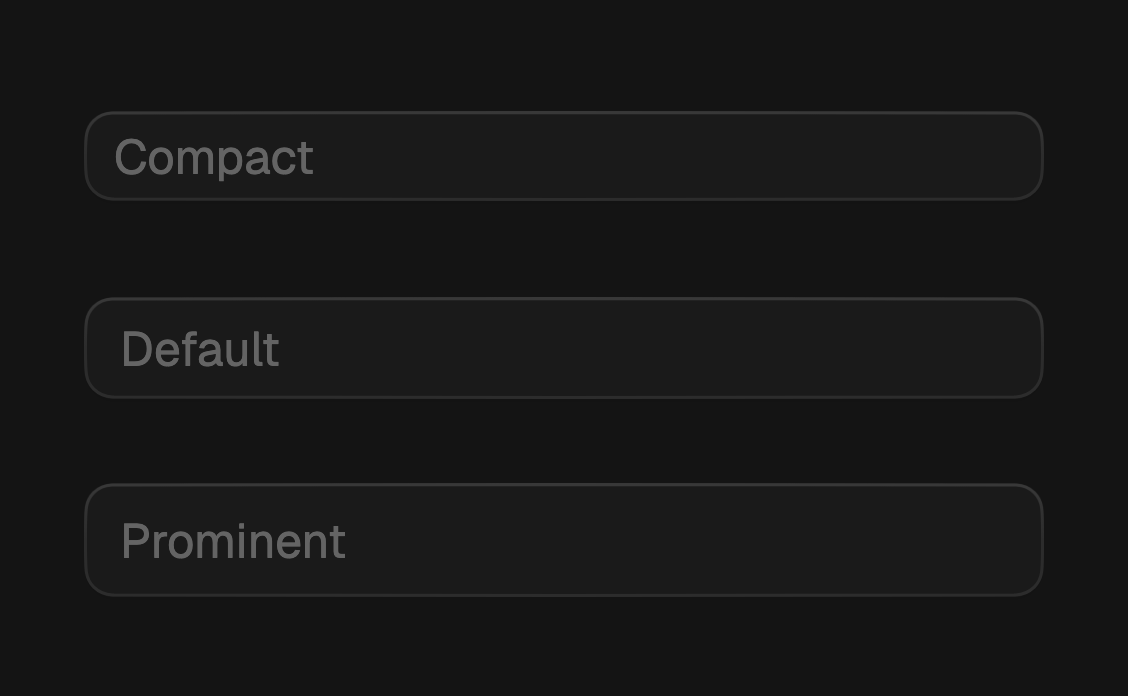
Three heights: sm (30), md (34, the default), and lg (38). Every size keeps
a 48px minimum tap target underneath.
FossTextField(
  size: FossTextFieldSize.sm,
  hintText: 'Compact',
);

FossTextField(
  size: FossTextFieldSize.lg,
  hintText: 'Prominent',
);
Icons
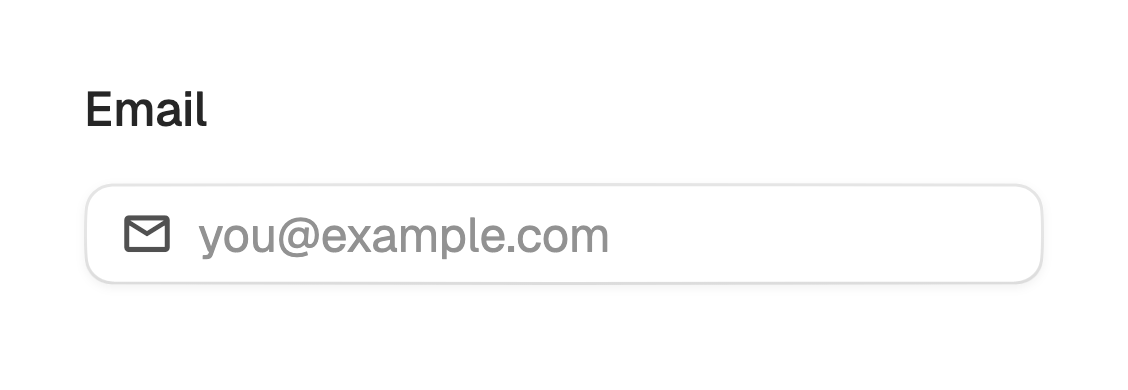
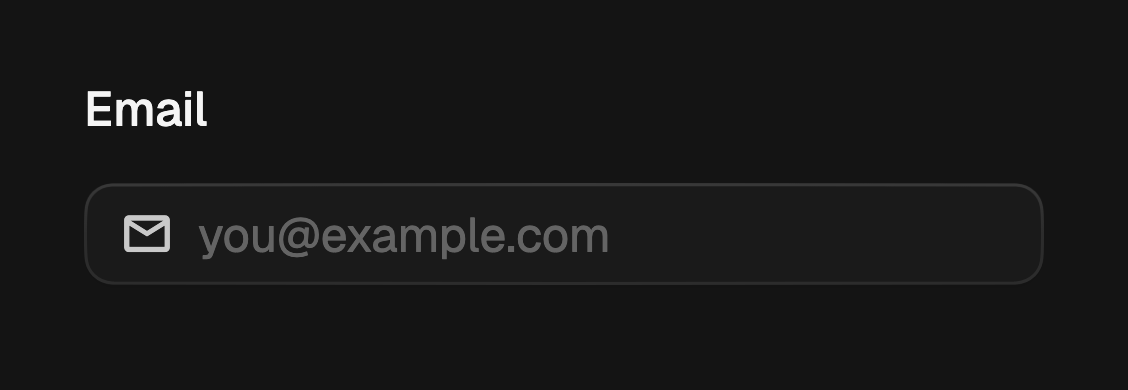
leading and trailing take any widget, so you can pass Lucide, Material,
Cupertino, an SVG, or a custom icon. They are themed to match the text. Icons are
single line only; a multiline field has no icon rail.
FossTextField(
  label: 'Email',
  hintText: 'you@example.com',
  leading: const Icon(LucideIcons.mail),
  keyboardType: TextInputType.emailAddress,
);
Password
Set obscureText: true to hide the value.
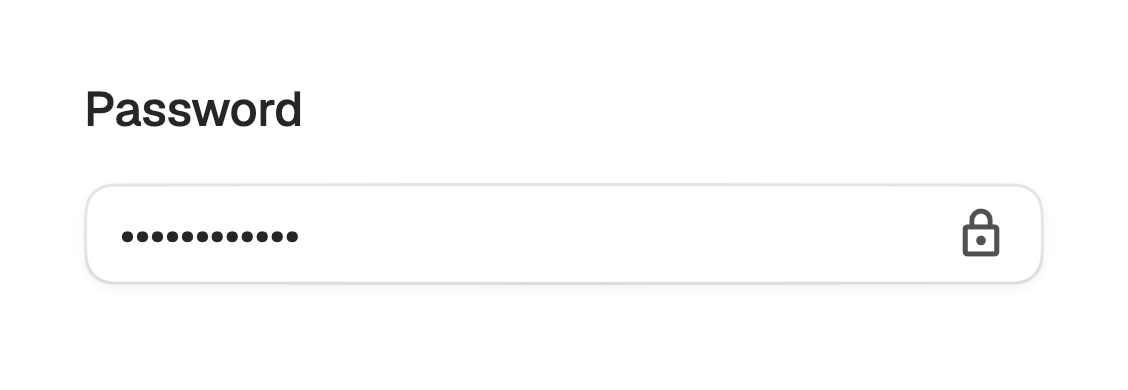
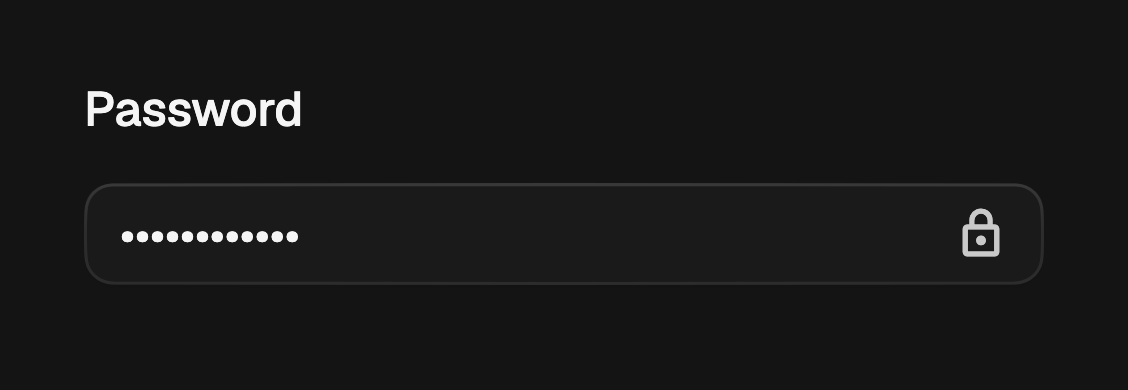
FossTextField(
  label: 'Password',
  obscureText: true,
  trailing: const Icon(LucideIcons.lock),
);
Error
A non-null errorText marks the field invalid and replaces the helper caption.
The border and ring shift to the destructive color.
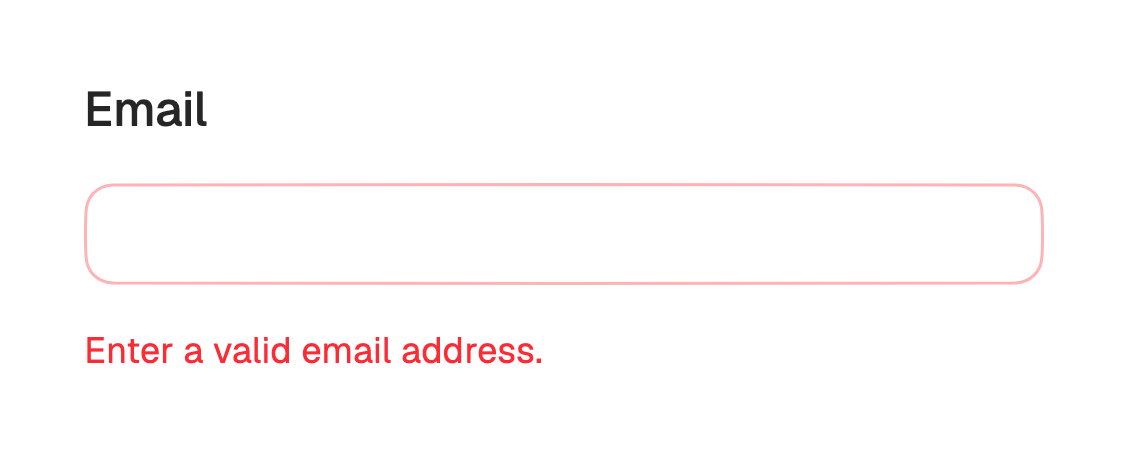
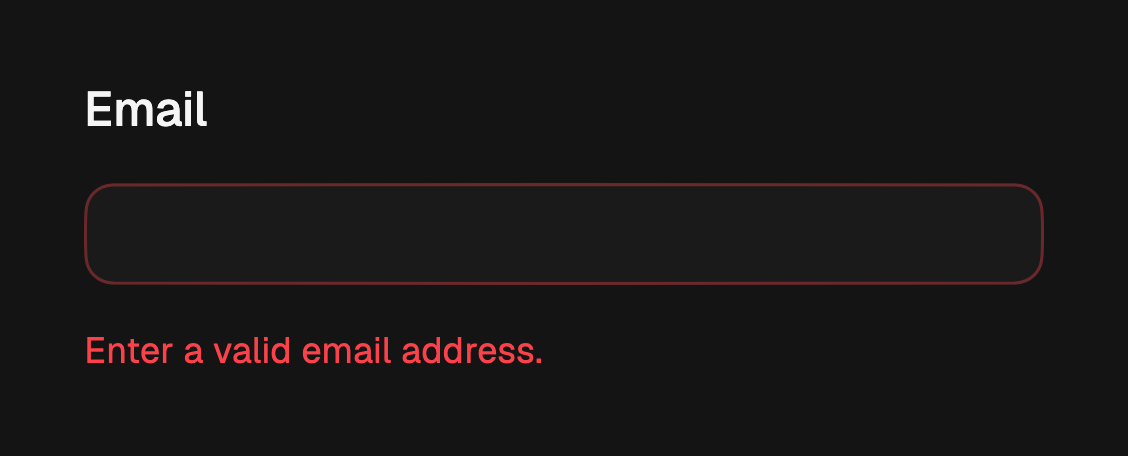
FossTextField(
  label: 'Email',
  errorText: 'Enter a valid email address.',
);
Multiline
Set maxLines to anything other than 1 (or null to grow without bound) for a
textarea. It grows with content and top-aligns its text. minLines sets the
resting line count, defaulting to 3.
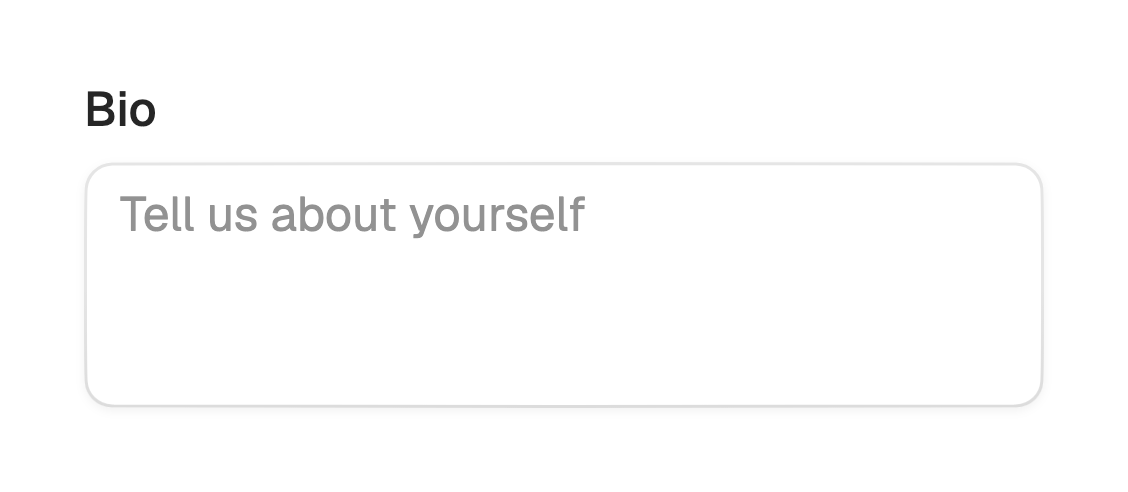
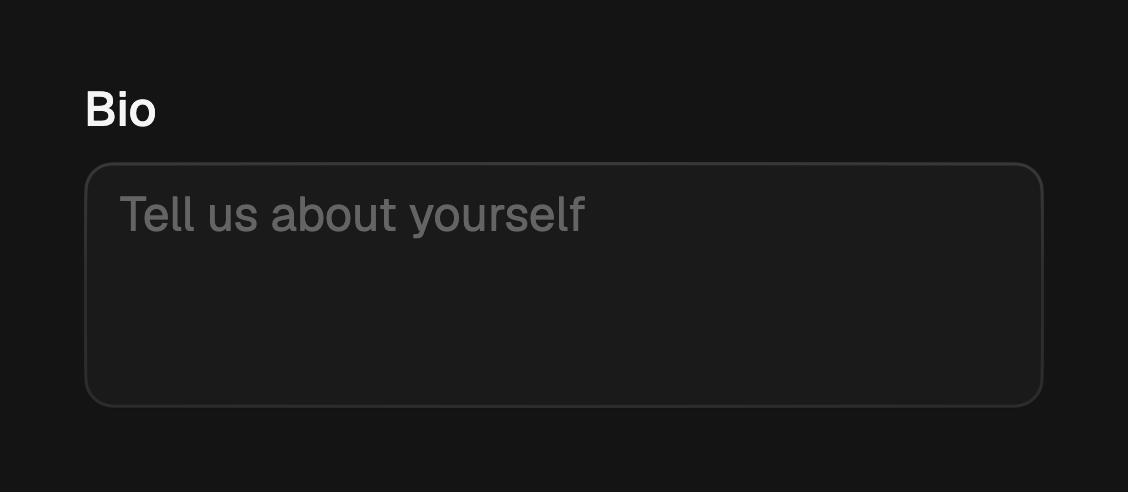
FossTextField(
  label: 'Bio',
  hintText: 'Tell us about yourself',
  maxLines: 5,
  minLines: 3,
);
Disabled
Pass enabled: false to dim the field and stop it responding to input.
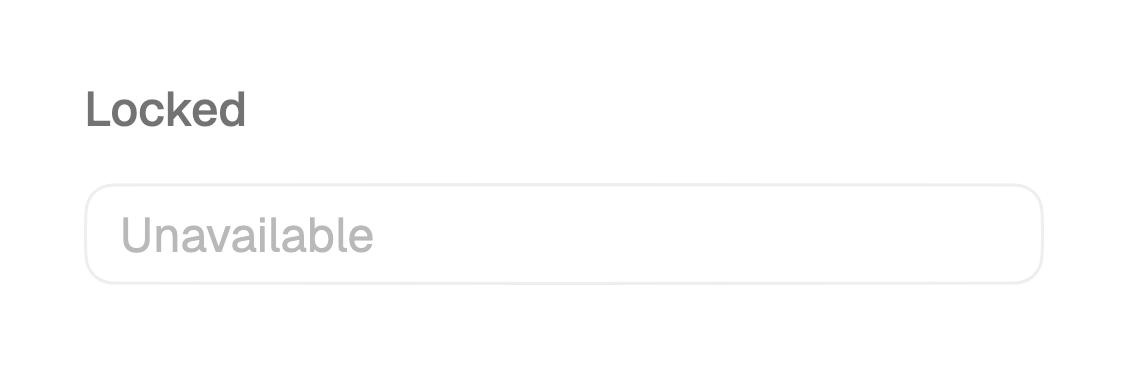
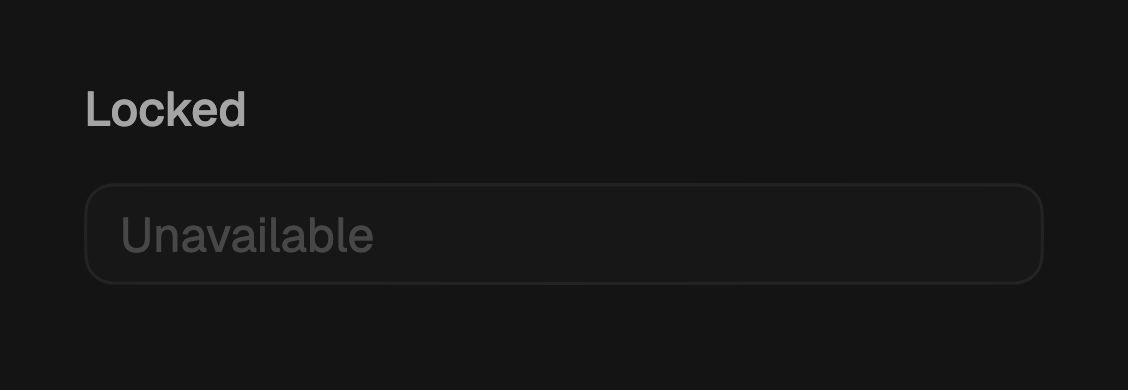
FossTextField(
  label: 'Locked',
  enabled: false,
);
Controlled
Pass a controller and focusNode to own the field's state. When omitted, the
field creates and disposes its own.
final controller = TextEditingController();

FossTextField(
  controller: controller,
  label: 'Search',
  textInputAction: TextInputAction.search,
  onSubmitted: (value) => runSearch(value),
);
One-off styling
A single field can override the theme-resolved look with a FossTextFieldStyle.
Every field is optional and falls back to the theme.
FossTextField(
  label: 'Rounded',
  style: const FossTextFieldStyle(
    borderRadius: 999,
    contentPadding: EdgeInsets.symmetric(horizontal: 16),
  ),
);
API
FossTextField
| Prop | Type | Default | Description |
|---|---|---|---|
label | String? | null | Label rendered above the box. |
hintText | String? | null | Placeholder shown while empty. |
helperText | String? | null | Caption below the box. Hidden when errorText is set. |
errorText | String? | null | Marks the field invalid and replaces the helper caption. |
size | FossTextFieldSize | md | The field height. |
enabled | bool | true | Whether the field accepts input. |
leading | Widget? | null | Widget before the content, single line only. |
trailing | Widget? | null | Widget after the content, single line only. |
obscureText | bool | false | Hides the text, for passwords. |
keyboardType | TextInputType? | null | The keyboard layout to request. |
textInputAction | TextInputAction? | null | The keyboard action button. |
maxLines | int? | 1 | Above 1 or null makes it a multiline textarea. |
minLines | int? | null | Starting line count for a multiline field. |
onChanged | ValueChanged<String>? | null | Called on every text change. |
onSubmitted | ValueChanged<String>? | null | Called on keyboard submit. |
controller | TextEditingController? | null | Holds the text. Created internally when null. |
focusNode | FocusNode? | null | Manages focus. Created internally when null. |
style | FossTextFieldStyle? | null | Per-instance overrides on the theme. |
FossTextFieldSize
sm (30), md (34), lg (38).
Live demo
Open the interactive gallery to try every size and state with live knobs.