Slider
A horizontal slider with a draggable thumb that picks a value from a range.
A slider picks a double from a range. It is controlled: hold the value yourself,
render it through value, and store the new one in onChanged. A drag or a track
tap maps the pointer to a value, and arrow keys step it while Home and End jump to
the ends. Colors read from the theme, so a global retheme restyles every slider at
once.
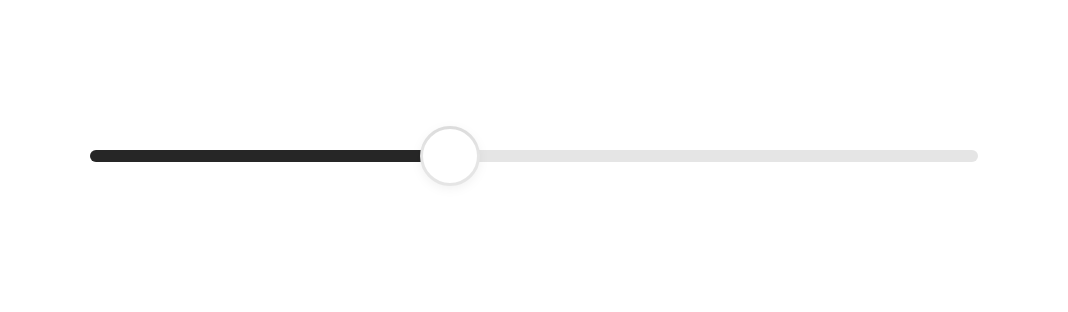
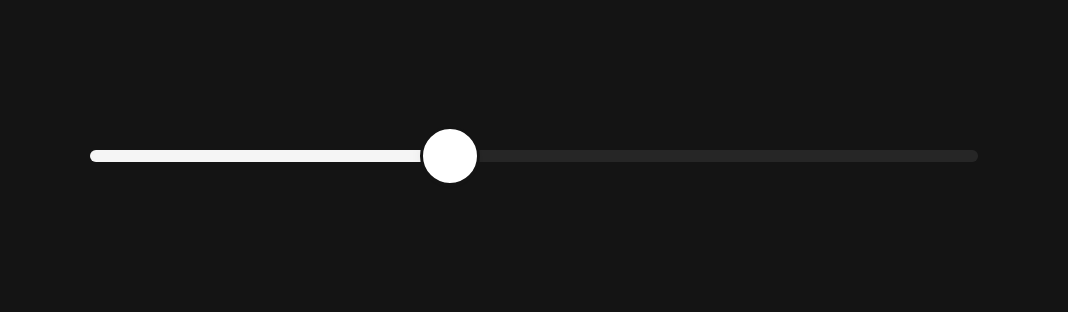
import 'package:fossui/fossui.dart';

FossSlider(
  value: volume,
  semanticLabel: 'Volume',
  onChanged: (v) => setState(() => volume = v),
);
Range
min and max set the bounds, defaulting to 0 and 100. The caller holds and
clamps the value.
FossSlider(
  value: temperature,
  min: 16,
  max: 30,
  semanticLabel: 'Temperature',
  onChanged: (v) => setState(() => temperature = v),
);
Divisions
The slider is continuous by default. Pass divisions to snap to that many equal
steps, both under a drag and under the keyboard.
FossSlider(
  value: rating,
  max: 5,
  divisions: 5,
  semanticLabel: 'Rating',
  onChanged: (v) => setState(() => rating = v),
);
Drag callbacks
onChangeStart and onChangeEnd bracket a drag with the starting and final
value, which is useful for committing a change once the gesture settles rather
than on every frame.
FossSlider(
  value: seek,
  onChangeStart: (v) => pausePreview(),
  onChanged: (v) => setState(() => seek = v),
  onChangeEnd: (v) => resumeFrom(v),
);
Disabled
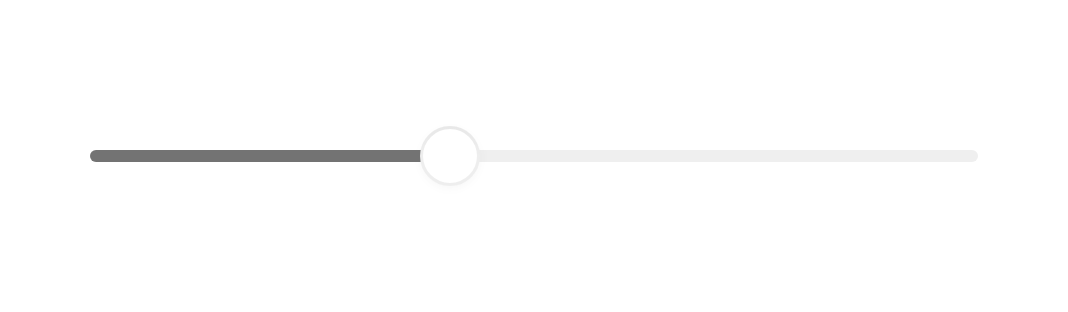
Pass a null onChanged, or enabled: false, to disable the control. It dims to a
muted opacity and stops responding to the pointer and the keyboard.

const FossSlider(
  value: 40,
  onChanged: null,
);
One-off styling
Global retheming is the first choice, but a single slider can override the
theme-resolved look with a FossSliderStyle. Every field is optional and falls
back to the theme.
FossSlider(
  value: volume,
  onChanged: (v) => setState(() => volume = v),
  style: const FossSliderStyle(
    rangeColor: Color(0xFF6D28D9),
  ),
);
API
FossSlider
| Prop | Type | Default | Description |
|---|---|---|---|
value | double | required | The current value, within the range. The caller holds and clamps it. |
onChanged | ValueChanged<double>? | required | Called with the new value as the thumb moves. Null disables the control. |
min | double | 0 | Lower bound of the range. |
max | double | 100 | Upper bound of the range. |
divisions | int? | null | Number of equal steps to snap to. Null is continuous. |
onChangeStart | ValueChanged<double>? | null | Called with the starting value when a drag begins. |
onChangeEnd | ValueChanged<double>? | null | Called with the final value when a drag ends. |
enabled | bool | true | Whether the control accepts input. |
semanticLabel | String? | null | Accessibility name for the control. |
style | FossSliderStyle? | null | Per-instance overrides on the theme. |
Live demo
Open the interactive gallery to try range, divisions, and drag callbacks with live knobs.