Combobox
A text field with a filtered dropdown, for free text, single pick, or multiple picks.
A combobox pairs a text input with a dropdown that filters as you type. Three
widgets cover the common shapes: FossAutocomplete for free text with hints,
FossCombobox for a single pick from a fixed list, and FossMultiCombobox for
several picks shown as chips. All read colors, type, and metrics from the theme.
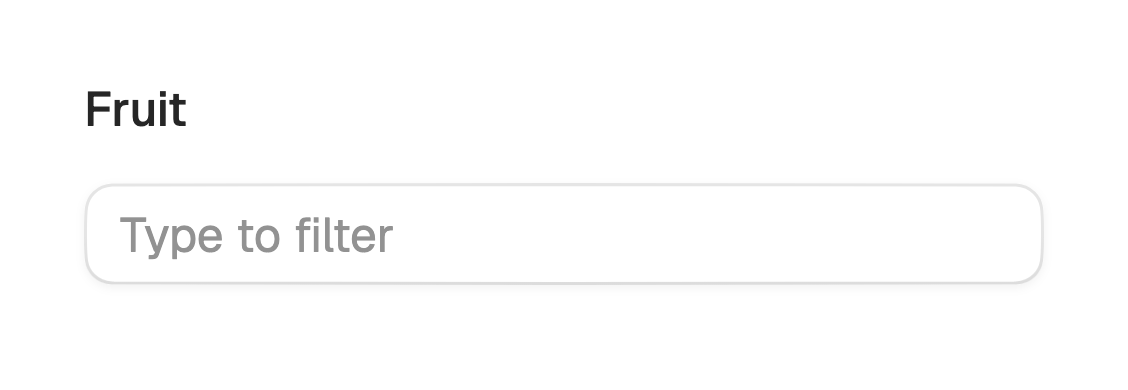
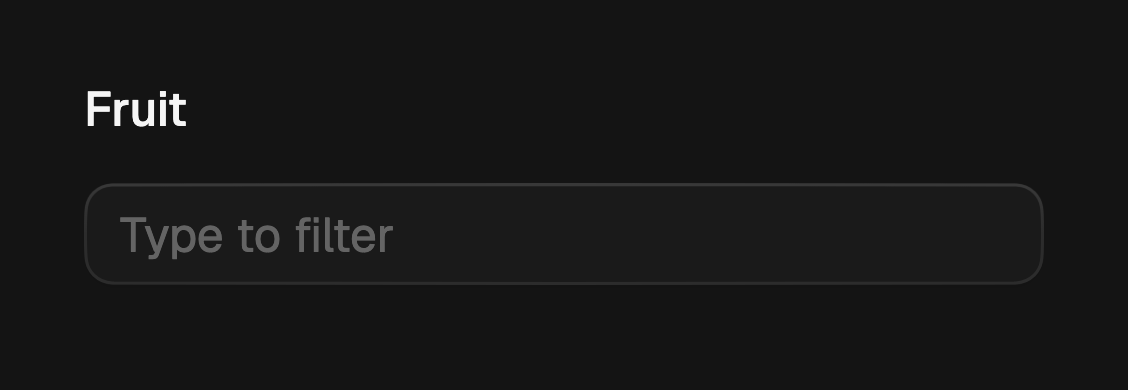
import 'package:fossui/fossui.dart';

FossAutocomplete(
  label: 'Fruit',
  hintText: 'Type to filter',
  items: const ['Apple', 'Banana', 'Cherry'],
  onChanged: (value) => setState(() => fruit = value),
);
Autocomplete
FossAutocomplete filters a list of string suggestions but accepts any typed
value: the items are hints, not a constraint. The value is the field string,
reported through onChanged. There is no selection check and no multiple pick.
FossAutocomplete(
  label: 'City',
  hintText: 'Start typing',
  items: cities,
  showClear: true,
  onChanged: (value) => setState(() => query = value),
);
Single select
FossCombobox picks one value from a fixed list of FossComboboxItems. The
value is the selected item, not the raw text, so pass value and rebuild on
onChanged. Each row carries a check when picked, and picking closes the popup.
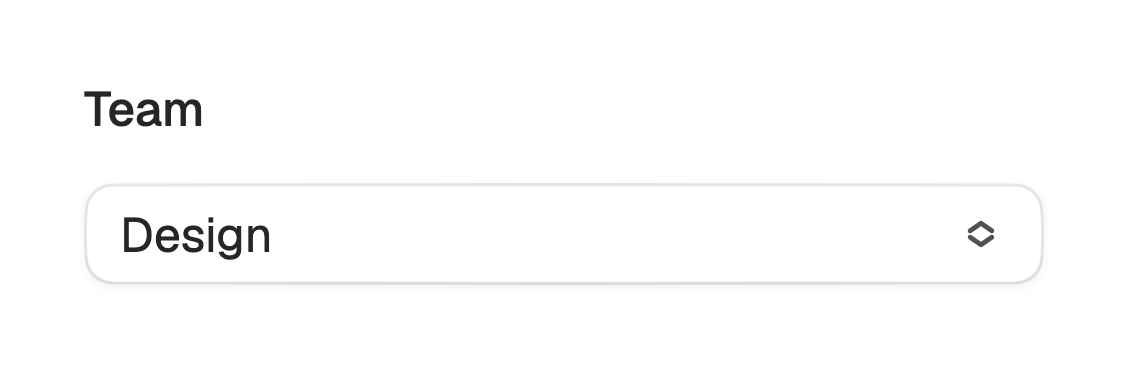
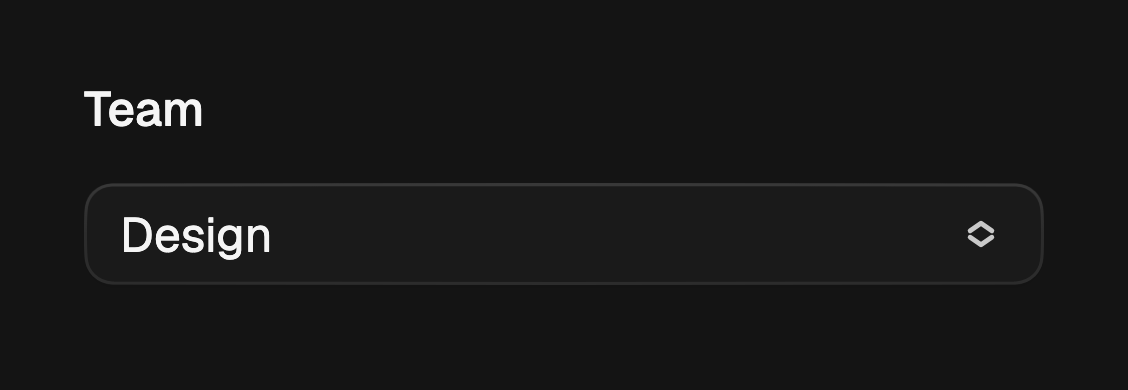
FossCombobox<String>(
  label: 'Team',
  hintText: 'Search teams',
  value: team,
  onChanged: (v) => setState(() => team = v),
  items: const [
    FossComboboxItem(value: 'design', label: 'Design'),
    FossComboboxItem(value: 'eng', label: 'Engineering'),
  ],
);
Multiple select
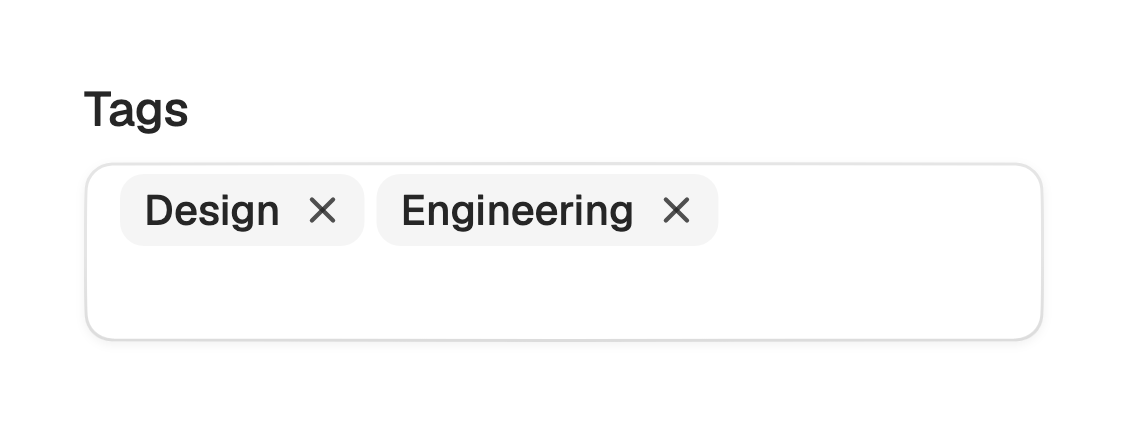
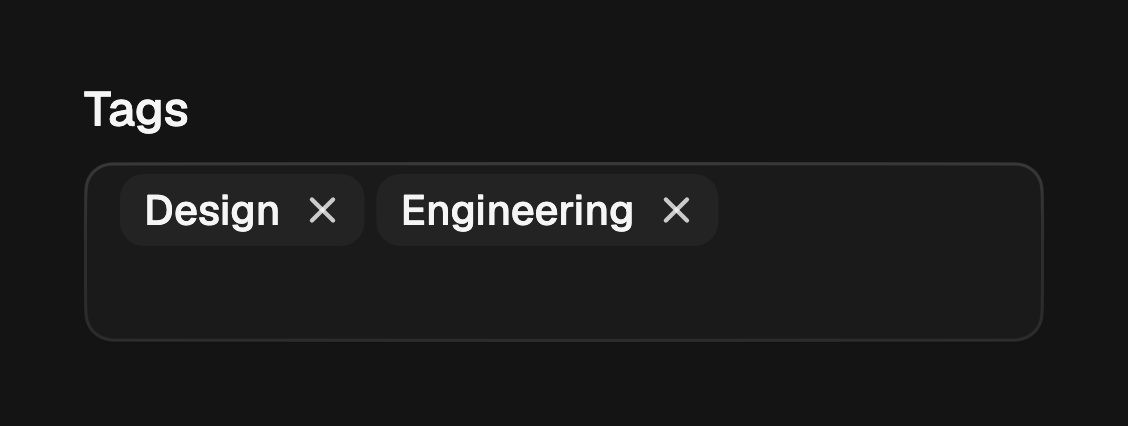
FossMultiCombobox holds several picks at once, shown as removable chips. The
value is the set of selected items. Typing filters the list, picking toggles a
chip and keeps the popup open, and Backspace on an empty input removes the last
chip.
FossMultiCombobox<String>(
  label: 'Tags',
  hintText: 'Add tags',
  values: tags,
  onChanged: (v) => setState(() => tags = v),
  items: const [
    FossComboboxItem(value: 'design', label: 'Design'),
    FossComboboxItem(value: 'eng', label: 'Engineering'),
  ],
);
Custom filter
By default the dropdown matches the query as a case-insensitive substring of the
label. Pass filter to change how a row is matched, for example to match the
start of the label only.
FossCombobox<String>(
  label: 'Country',
  value: country,
  filter: (label, query) =>
      label.toLowerCase().startsWith(query.toLowerCase()),
  onChanged: (v) => setState(() => country = v),
  items: countries,
);
Sizes
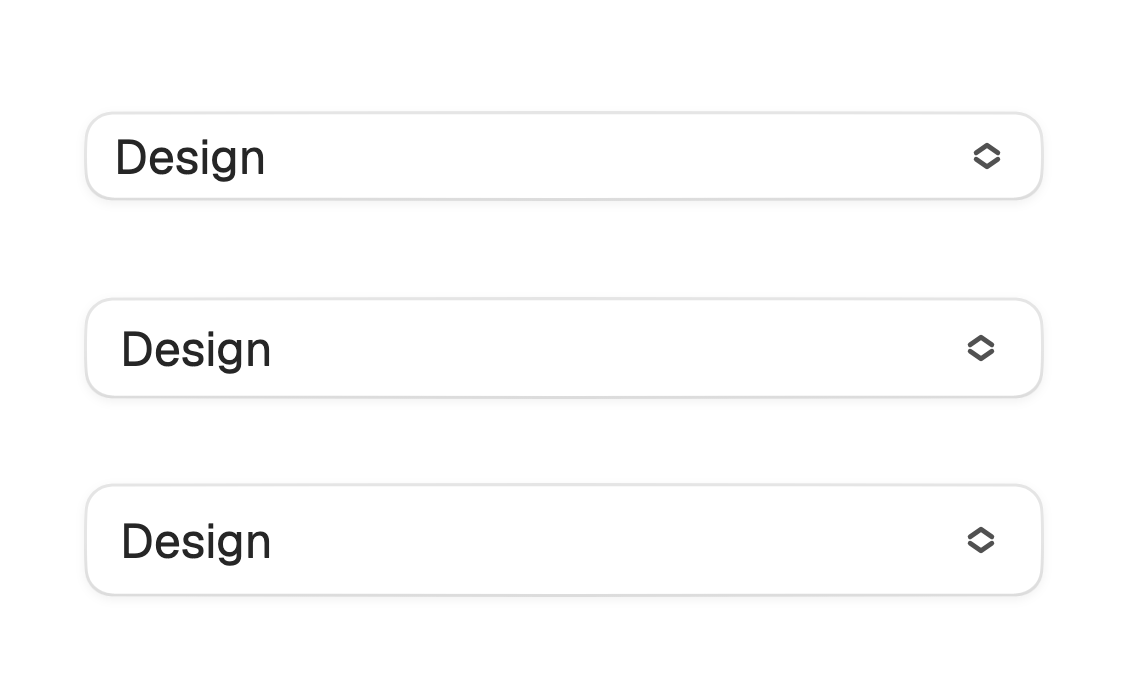
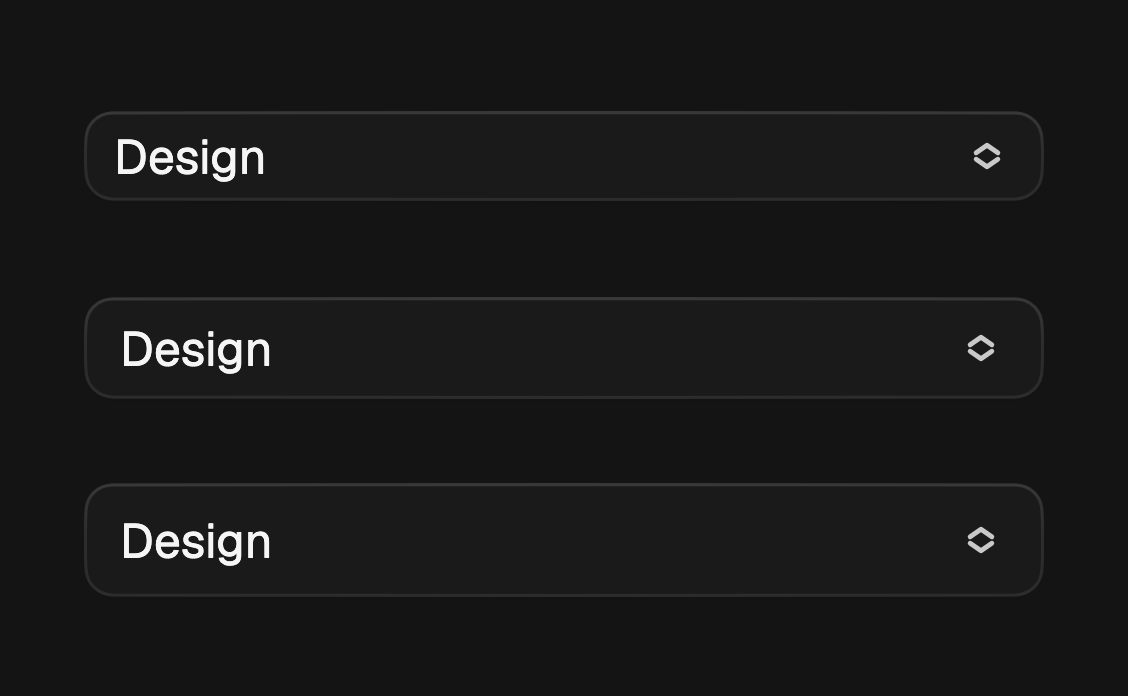
size sets the field height and type scale: sm, md (the default), or lg.
FossCombobox<String>(
  size: FossTextFieldSize.sm,
  value: team,
  onChanged: (v) => setState(() => team = v),
  items: teams,
);
API
FossAutocomplete
| Prop | Type | Default | Description |
|---|---|---|---|
items | List<String> | required | The suggestions to filter as the user types. |
controller | TextEditingController? | null | Holds the editable text. Created internally when null. |
focusNode | FocusNode? | null | Manages keyboard focus. Created internally when null. |
size | FossTextFieldSize | md | The field height and type scale. |
label | String? | null | Label rendered above the field. |
hintText | String? | null | Placeholder shown while the field is empty. |
errorText | String? | null | When non-null, marks the field invalid. |
enabled | bool | true | Whether the field accepts input. |
showTrigger | bool | false | Show the trailing chevron that opens the list. |
showClear | bool | false | Show a trailing clear button while the field is non-empty. |
startAddon | Widget? | null | Optional leading widget, typically a search glyph. |
filter | bool Function(String label, String query)? | null | Overrides the default substring match. |
onChanged | ValueChanged<String>? | null | Called whenever the field text changes, including on a pick. |
emptyText | String | 'No items found.' | Message shown when the filter matches nothing. |
style | FossComboboxStyle? | null | Per-instance overrides on the theme. |
FossCombobox<T>
| Prop | Type | Default | Description |
|---|---|---|---|
items | List<FossComboboxItem<T>> | required | The options to choose from. |
value | T? | null | The picked value, or null when nothing is selected. |
onChanged | ValueChanged<T?>? | null | Called with the picked value. A null callback disables the field. |
focusNode | FocusNode? | null | Manages keyboard focus. Created internally when null. |
size | FossTextFieldSize | md | The field height and type scale. |
label | String? | null | Label rendered above the field. |
hintText | String? | null | Placeholder shown while the field is empty. |
errorText | String? | null | When non-null, marks the field invalid. |
enabled | bool | true | Whether the field accepts input. Disabled when false or onChanged is null. |
showClear | bool | false | Show a trailing clear button while a value is selected. |
startAddon | Widget? | null | Optional leading widget, typically a search glyph. |
filter | bool Function(String label, String query)? | null | Overrides the default substring match. |
emptyText | String | 'No items found.' | Message shown when the filter matches nothing. |
style | FossComboboxStyle? | null | Per-instance overrides on the theme. |
FossMultiCombobox<T>
| Prop | Type | Default | Description |
|---|---|---|---|
items | List<FossComboboxItem<T>> | required | The options to choose from. |
values | Set<T> | {} | The current picks. |
onChanged | ValueChanged<Set<T>>? | null | Called with the next set when a pick is toggled. A null callback disables the field. |
focusNode | FocusNode? | null | Manages keyboard focus. Created internally when null. |
size | FossTextFieldSize | md | The field height and type scale. |
label | String? | null | Label rendered above the field. |
hintText | String? | null | Placeholder shown while no picks and the input is empty. |
errorText | String? | null | When non-null, marks the field invalid. |
enabled | bool | true | Whether the field accepts input. Disabled when false or onChanged is null. |
startAddon | Widget? | null | Optional leading widget, typically a search glyph. |
filter | bool Function(String label, String query)? | null | Overrides the default substring match. |
emptyText | String | 'No items found.' | Message shown when the filter matches nothing. |
removeLabel | String | 'Remove' | Accessibility label for a chip's remove button. |
style | FossComboboxStyle? | null | Per-instance overrides on the theme. |
FossComboboxItem<T>
| Prop | Type | Default | Description |
|---|---|---|---|
value | T | required | The identity reported when the option is picked, compared by ==. |
label | String | required | The row and chip text, and the string the filter matches against. |
icon | Widget? | null | Optional leading glyph rendered before the label. |
enabled | bool | true | Whether the option can be picked. A disabled option dims and ignores taps. |
FossTextFieldSize
sm, md, lg.
Live demo
Open the interactive gallery to try autocomplete, single select, and multiple select with live knobs.