Bottom nav bar
A strip of top-level destinations for the bottom of a phone screen, each a glyph over a short label, with the current one marked and the safe-area inset handled.
The bar is controlled. value is the current destination and onChanged
reports the one the user tapped; the widget holds no selection of its own,
because the current destination is usually owned by a route or a restored
session. It is generic over the destination type, so the value is your own,
not an index.
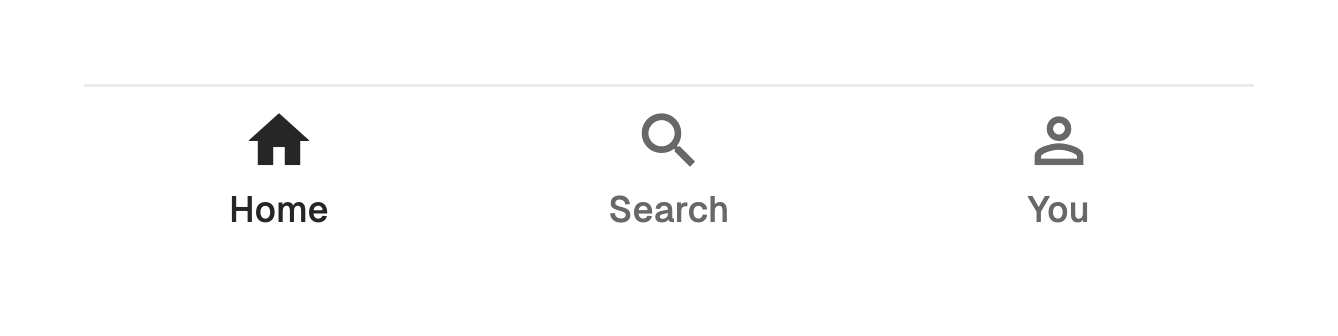
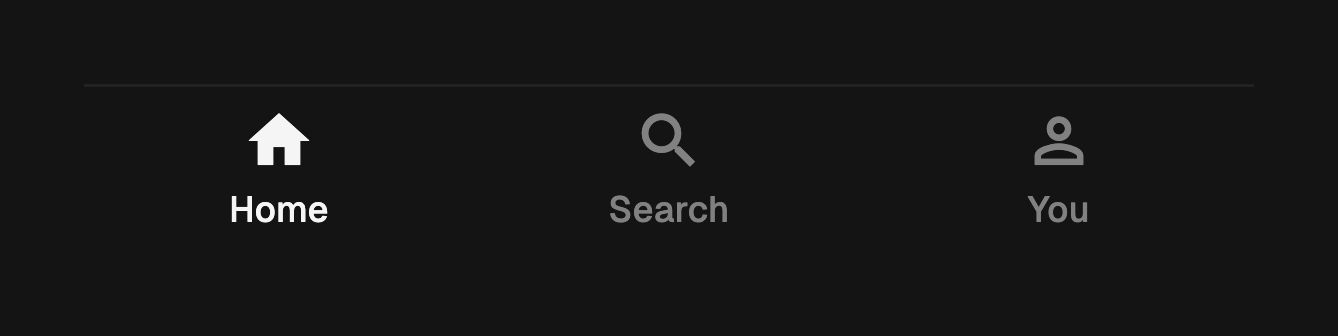
import 'package:fossui/fossui.dart';

FossBottomNavBar<String>(
  value: section,
  onChanged: (v) => setState(() => section = v),
  items: const [
    FossBottomNavItem(
      value: 'home',
      label: 'Home',
      icon: Icon(LucideIcons.house),
    ),
    FossBottomNavItem(
      value: 'search',
      label: 'Search',
      icon: Icon(LucideIcons.search),
    ),
    FossBottomNavItem(
      value: 'you',
      label: 'You',
      icon: Icon(LucideIcons.user),
    ),
  ],
);
Two destinations is the minimum and five is the practical maximum: past that
the labels stop fitting on a small phone, and the answer is fewer destinations
rather than a scrolling bar. label is required, since it is the name each
cell announces.
Badges and disabled destinations
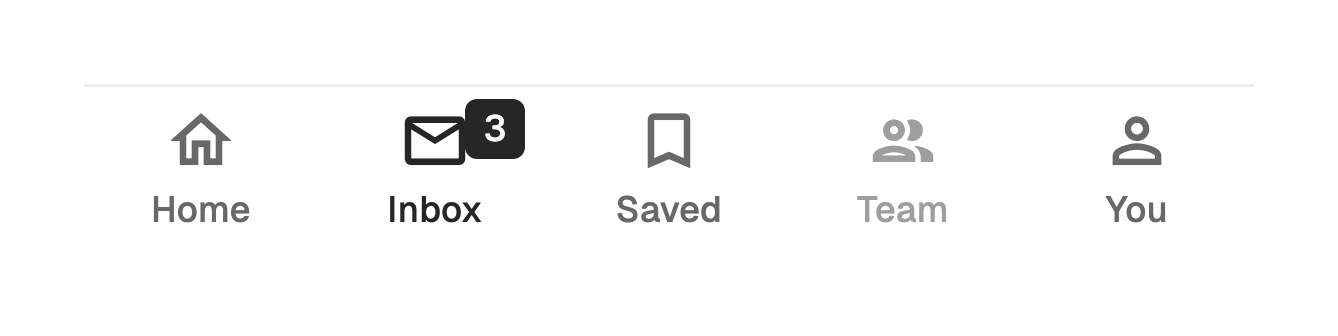
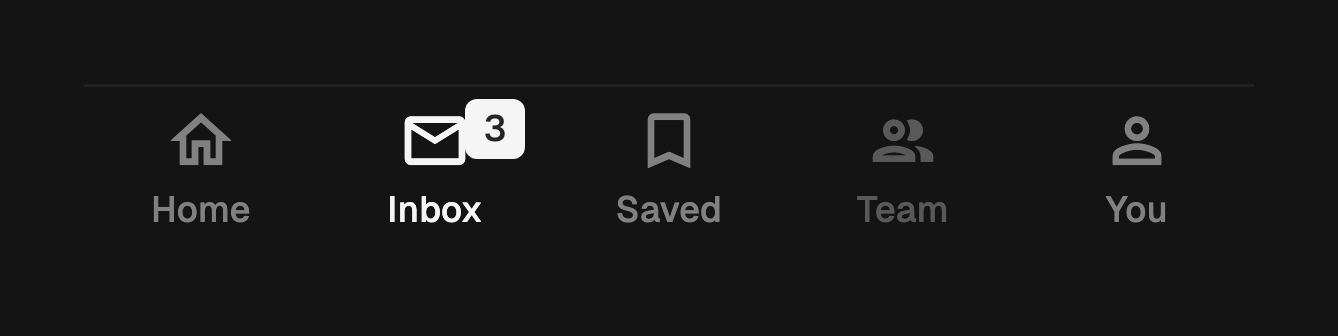
badge takes any widget and pins it beside the glyph, growing outward so it
never covers what it annotates. It is decorative, so anything it needs to say
belongs in label too. A destination with enabled: false dims and takes no
input.
FossBottomNavItem(
  value: 'inbox',
  label: 'Inbox, 3 unread',
  icon: Icon(LucideIcons.mail),
  badge: FossBadge(size: FossBadgeSize.sm, label: Text('3')),
);

FossBottomNavItem(
  value: 'team',
  label: 'Team',
  icon: Icon(LucideIcons.users),
  enabled: false,
);
A filled glyph while current
selectedIcon replaces icon while that destination is current, which is how
a filled variant of an outline glyph is expressed. Leave it null and the same
glyph stays, changing only its color.
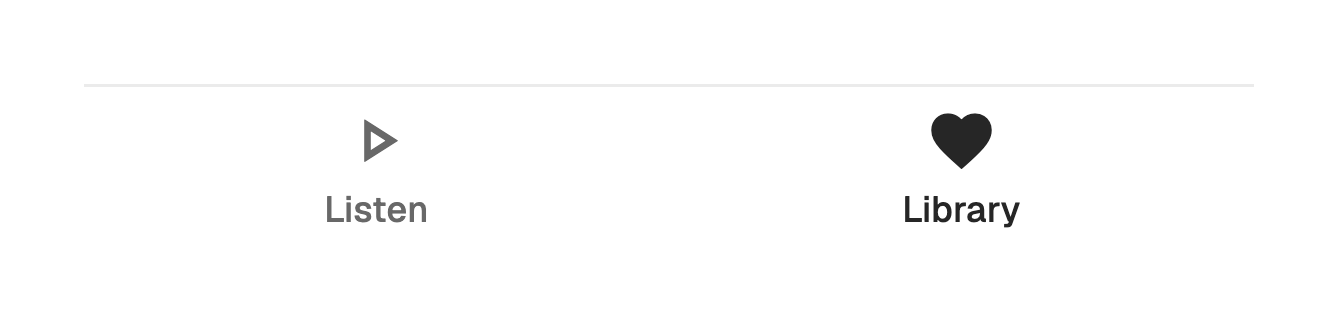
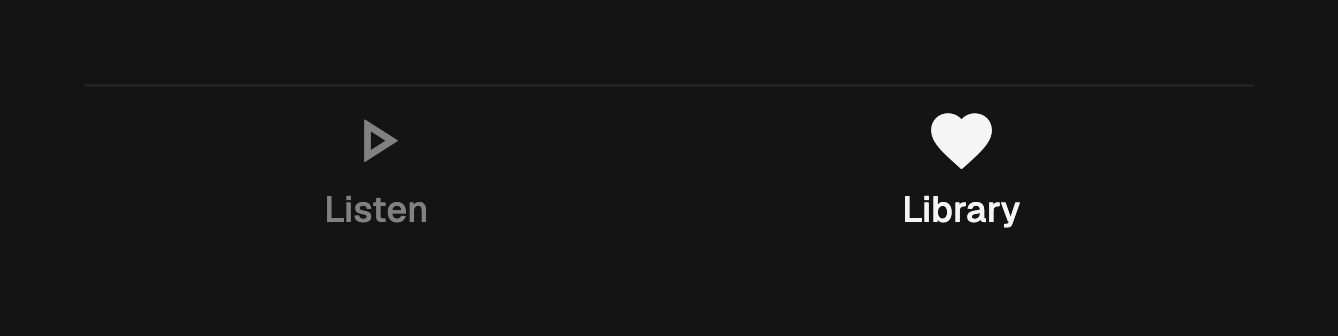
FossBottomNavItem(
  value: 'library',
  label: 'Library',
  icon: Icon(LucideIcons.heart),
  selectedIcon: Icon(LucideIcons.heartHandshake),
);
Re-tapping the current destination
onChanged fires on every tap, including a tap on the destination that is
already current. Apps hang "scroll to top" and "pop to root" off that second
tap, so the bar does not swallow it.
FossBottomNavBar<String>(
  value: section,
  items: items,
  onChanged: (v) {
    if (v == section) {
      scrollController.animateTo(0, duration: duration, curve: curve);
      return;
    }
    setState(() => section = v);
  },
);
Placing it on a screen
The bar owns the bottom safe-area inset: it adds the inset below itself and
paints its fill through it, so the content keeps its full height on a phone
with a home indicator. Place it at the bottom of the screen without a
SafeArea around it.
It fills the width it is given and hugs its own height, so it sits as the last
child of a Column, in a bottomNavigationBar slot, or at the bottom of a
Stack.
Column(
  children: [
    Expanded(child: body),
    FossBottomNavBar<String>(
      value: section,
      onChanged: (v) => setState(() => section = v),
      items: items,
    ),
  ],
);
The bar reports a value and nothing else. Wiring it to a navigator, restoring state, and keeping a stack per destination stay with the app.
Disabled
A null onChanged dims every destination and takes no input, which is the
state to show while a screen is loading. The surface and its top rule keep
their color, so the bar still reads as a bar.
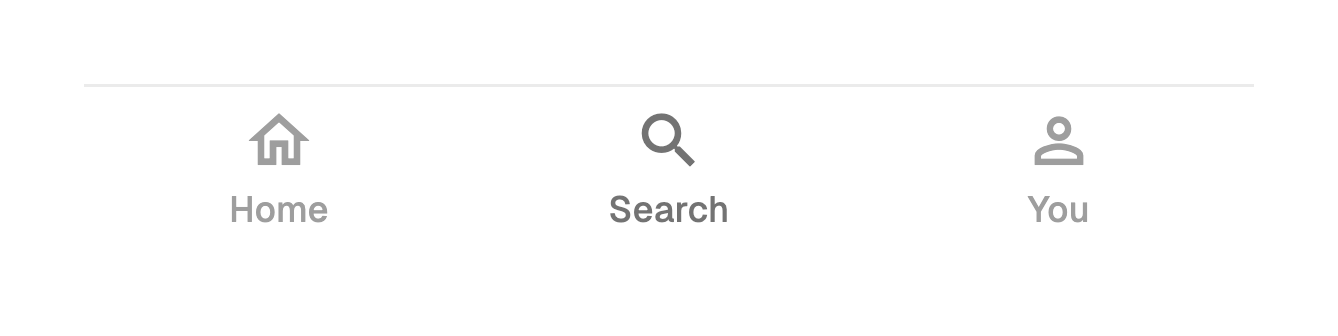
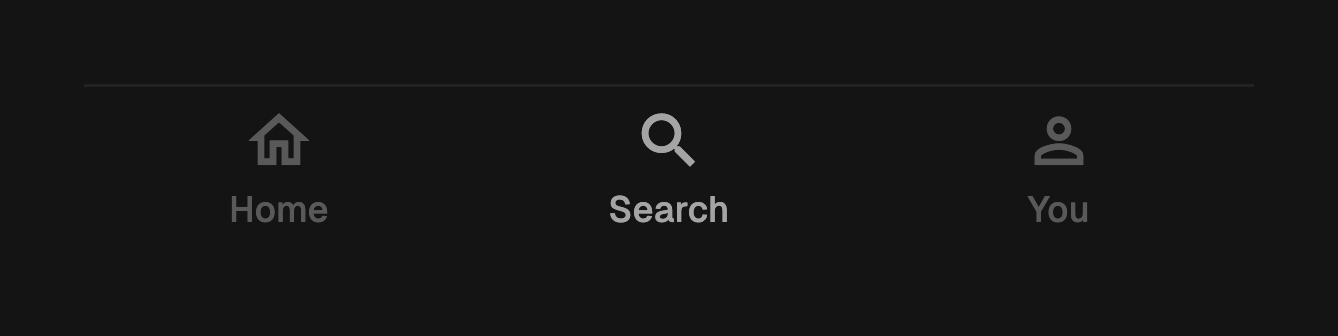
FossBottomNavBar<String>(
  value: section,
  items: items,
  onChanged: loading ? null : (v) => setState(() => section = v),
);
Keyboard and semantics
The strip is a tab bar and each cell a tab that reports whether it is selected. The label is the announced name; the glyph and the badge are decorative and excluded. Arrow keys move between cells and follow the text direction, Home and End reach the ends, and Enter or Space activates the focused cell. Disabled cells are skipped. Each cell fills the bar, so the tap target clears the 48 logical pixel floor at five destinations on a narrow phone.
Sizing
A cell floors at 56 logical pixels and grows when the text scaler does, so a long label at 2.0 pushes the bar taller instead of clipping. The glyph is a touch dimension rather than type, so it stays at 24. Labels are capped at one line and ellipsize.
One-off styling
A FossBottomNavBarStyle tweaks a single bar: the surface, the rule, both
label colors, the glyph size, the label style, the floor, and whether the rule
is drawn at all. To move every bar, retheme FossColors instead.
FossBottomNavBar<String>(
  value: section,
  onChanged: (v) => setState(() => section = v),
  items: items,
  style: const FossBottomNavBarStyle(
    minHeight: 64,
    showTopBorder: false,
  ),
);
API
FossBottomNavBar
| Prop | Type | Default | Description |
|---|---|---|---|
items | List<FossBottomNavItem<T>> | required | The ordered destinations, at least two. |
value | T | required | The current destination; matches one item's value. |
onChanged | ValueChanged<T>? | null | Called on every tap, including a re-tap; null makes the bar inert. |
style | FossBottomNavBarStyle? | null | Per-instance overrides on the theme. |
FossBottomNavItem
| Prop | Type | Default | Description |
|---|---|---|---|
value | T | required | The value this destination reports, unique within the bar. |
label | String | required | The text under the glyph, and the announced name. |
icon | Widget? | null | The glyph, sized and colored by the bar. |
selectedIcon | Widget? | null | Replaces icon while this destination is current. |
badge | Widget? | null | A marker pinned beside the glyph; decorative. |
enabled | bool | true | Whether the destination accepts focus and taps. |
FossBottomNavBarStyle
| Field | Type | Default | Description |
|---|---|---|---|
backgroundColor | Color? | null | Fill of the bar, painted through the safe-area inset. |
borderColor | Color? | null | Color of the hairline along the top edge. |
selectedColor | Color? | null | Glyph and label color of the current destination. |
unselectedColor | Color? | null | Glyph and label color of the others. |
labelStyle | TextStyle? | null | Text style of every label; color is applied per state. |
iconSize | double? | null | Glyph size in logical pixels. |
minHeight | double? | null | Minimum cell height, excluding the safe-area inset. |
showTopBorder | bool? | null | Whether the top hairline is drawn. |
Live demo
Open the interactive gallery to tap through a live bar and watch the re-tap report.